2026-02-08
The 12 Best Audio to Text Transcription Software Options in 2026
Turning hours of audio into usable text is no longer a manual, time-consuming task. The right audio to text transcription software can unlock the value hidden in your recordings, making content searchable, accessible, and easy to repurpose. Whether you're a student transcribing lectures, a podcaster creating show notes, or a business team documenting meetings, the challenge is finding the one tool that fits your specific needs and budget.
This guide is designed to help you make that choice with confidence. We’ve done the heavy lifting, testing and analyzing the top 12 transcription platforms available today. Forget marketing jargon and generic feature lists; we provide a practical, side-by-side comparison focused on what truly matters:
- Accuracy and Speed: How well does it handle different accents and background noise?
- Key Features: Does it offer speaker identification, custom vocabularies, or collaborative editing?
- User Experience: How intuitive is the editor for making corrections?
- Pricing Models: What are the real costs for your specific usage volume?
We'll dive deep into each tool, from user-friendly platforms like Kopia.ai and Otter.ai to powerful developer-focused services like Amazon Transcribe. For every option, you'll find clear screenshots, direct links, and an honest assessment of its strengths and weaknesses. Our goal is simple: to provide a clear, actionable resource that helps you select the best software to streamline your workflow and get the most out of your audio content. Let's find your perfect match.
1. Kopia.ai
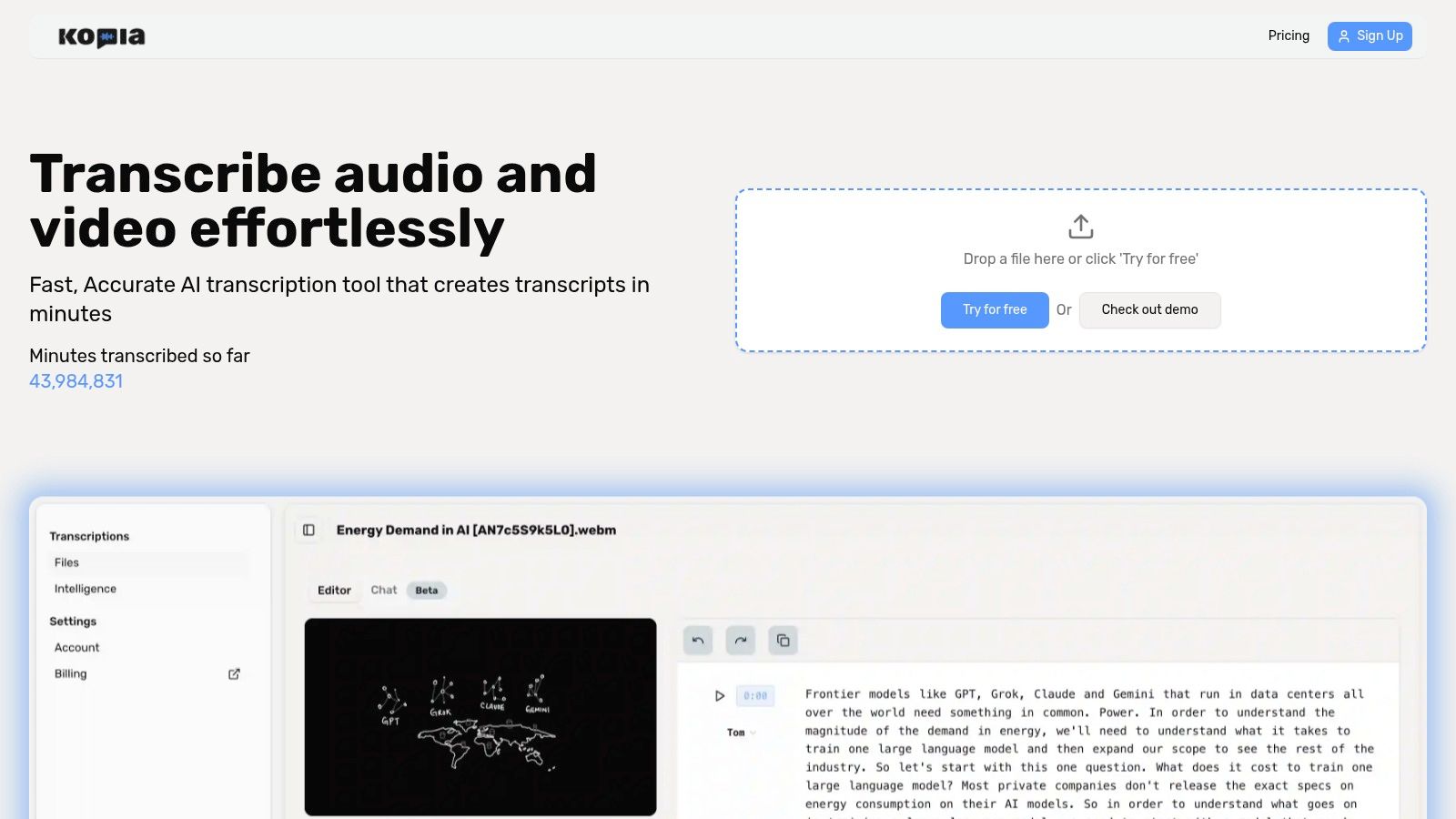
Kopia.ai stands out as a powerful and comprehensive audio to text transcription software, delivering a robust suite of tools that go far beyond simple speech-to-text conversion. It excels by integrating fast, high-accuracy transcription with an intelligent, interactive workflow designed for creators, researchers, and business professionals. The platform quickly turns audio and video files into searchable, editable content, making it an exceptional all-in-one solution for anyone needing to derive value from their media.
Core Strengths
The primary advantage of Kopia.ai is its seamless integration of transcription, editing, and analysis. Its synchronized in-browser editor is a key feature, allowing you to click on any word in the transcript and instantly jump to that precise moment in the audio or video. This makes correcting mistakes remarkably efficient compared to traditional methods.
Beyond editing, the platform's "talk to your transcript" AI assistant is a game-changer for post-production. You can ask it to summarize key points, generate chapter titles, or identify recurring topics, significantly reducing manual effort. This capability is invaluable for podcasters creating show notes, students reviewing lectures, or teams extracting action items from meetings.
Key Features and Pricing
Kopia.ai offers a versatile feature set tailored to diverse user needs.
- Automatic Subtitles & Translation: Generate SRT or VTT files for captions and burn them directly into videos. A one-click translation feature helps expand your content's global reach.
- Multi-Language Support: The platform accurately transcribes content in numerous languages, making it a flexible tool for international projects. You can to see if it meets your needs.
- Speaker Labeling: Automatically identifies and labels different speakers, a crucial feature for interviews, meetings, and panel discussions.
- Flexible Exports: Download your work in various formats, including TXT, SRT, VTT, and more, for easy integration into other workflows.
Kopia.ai's pricing is structured to accommodate everyone from casual users to large enterprises. A free tier includes 1 hour of transcription, while paid plans like Starter ($14.99/month for 20 hours) and Pro ($31.99/month for 100 hours) offer more volume and advanced features like unlimited file sizes. Custom Business plans are available for high-volume needs and API access.
| Feature | Starter Plan | Pro Plan | Business Plan |
|---|---|---|---|
| Monthly Hours | 20 | 100 | Custom |
| File Size Limit | 90 minutes per file | Unlimited | Unlimited |
| API Access | No | Yes | Yes |
| Bulk Uploads | No | Yes | Yes |
This combination of precision editing, AI-powered analysis, and scalable pricing makes Kopia.ai a top-tier choice for transforming raw media into polished, actionable assets.
Website:
2. Otter.ai
Otter.ai is one of the most recognized names in the meeting transcription space, functioning as an AI assistant that joins your calls to provide live notes. It excels at capturing real-time conversations from Zoom, Google Meet, and Microsoft Teams, making it an indispensable tool for students, educators, and business professionals who need accurate records of meetings and lectures. The platform’s key strength lies in its seamless integration with calendars and video conferencing tools.
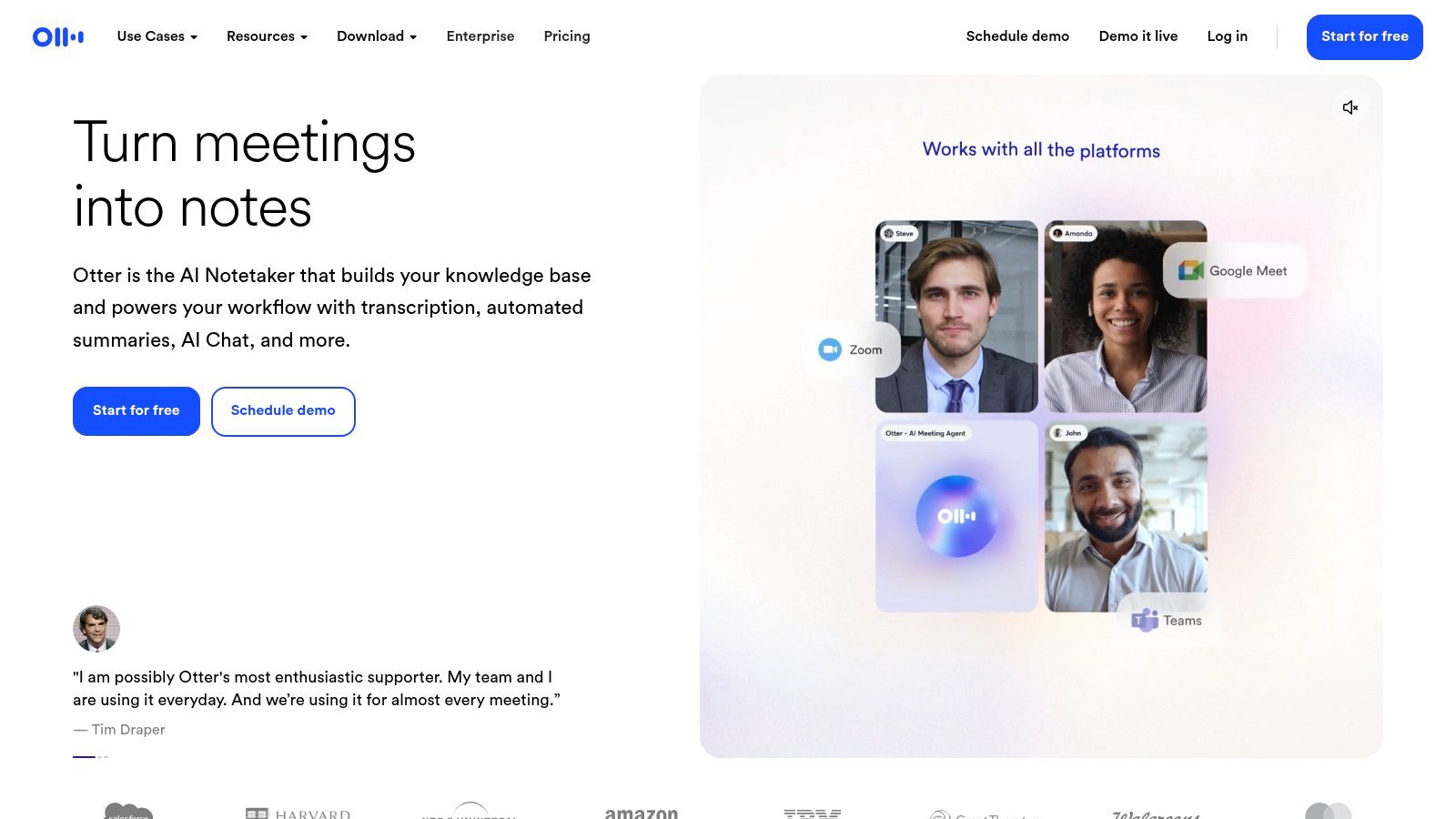
The user interface is clean and centered around its "OtterPilot" feature, which automatically joins and transcribes scheduled meetings. Post-meeting, Otter generates a searchable transcript complete with speaker labels and a concise summary of key points and action items. This transforms lengthy discussions into digestible, actionable content. While it's fantastic for meetings, it’s also a capable tool for pre-recorded audio files. If you're a content creator, you can learn more about the specifics of using these types of tools.
Key Features & User Experience
- Live Transcription: OtterPilot automatically joins and records your calendar meetings, providing a live transcript for attendees to follow.
- AI-Generated Summaries: After a meeting, it creates summaries, outlines, and action items, saving significant review time.
- Speaker Identification: The software does a solid job of distinguishing between different speakers and labeling their contributions.
- Collaboration Tools: Teams can share transcripts, highlight key sections, add comments, and build a shared vocabulary for improved accuracy with industry-specific terms.
Pricing and Limitations
Otter.ai offers a tiered pricing structure, including a free plan with limited transcription minutes per month and a 30-minute limit per conversation. Paid plans (Pro, Business, Enterprise) unlock more minutes, longer import durations, and advanced team features. The main limitation is its focus; it's a meeting assistant first and lacks a developer API for custom integrations, making it less suitable for building transcription into your own applications.
3. Rev
Rev stands out in the audio to text transcription software market by offering a powerful hybrid model. It provides both fast AI-powered transcription and a highly accurate human-powered service, making it a versatile one-stop shop for users whose needs vary from quick drafts to certified, compliance-ready documents. This makes Rev ideal for legal, medical, and academic professionals where precision is non-negotiable, as well as for content creators who want the option to upgrade to a flawless human transcript for final deliverables.
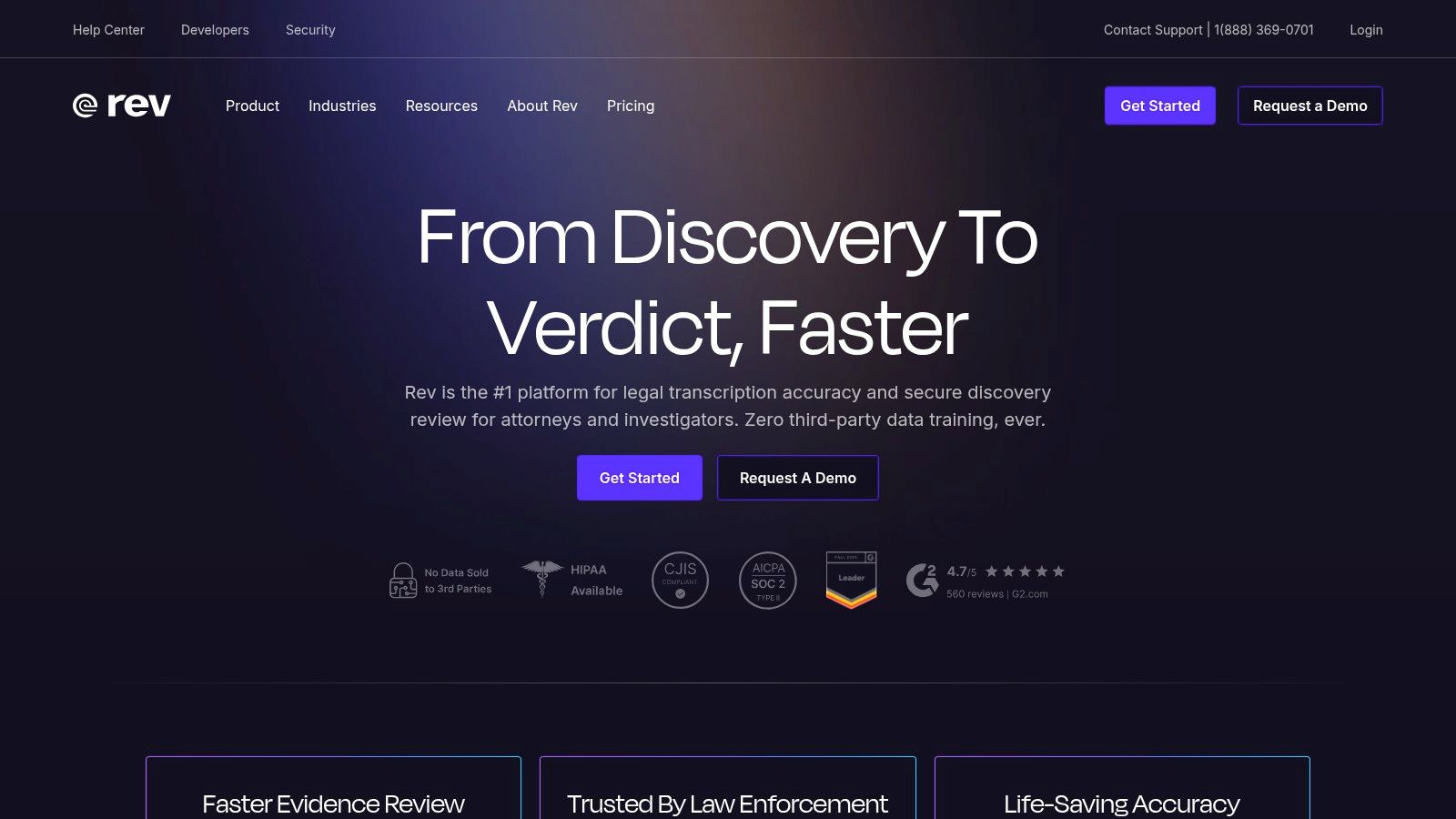
The platform’s workflow is exceptionally straightforward: upload a file, choose your service type (AI or human), and receive a notification when it’s ready. The online editor is clean and functional, allowing users to review timestamps, assign speaker names, and export the text in multiple formats. Its clear, upfront pricing and guaranteed turnaround times remove the guesswork often associated with transcription services, offering reliability for projects with tight deadlines.
Key Features & User Experience
- Hybrid Service Model: Users can choose between a rapid AI transcription service or a human transcription service boasting 99%+ accuracy.
- Captions and Subtitles: Rev provides professional-grade caption and subtitle files (like .SRT) for video content, including foreign language translations.
- Simple Editor: The interactive editor allows for easy playback, speaker labeling, and text correction, synced perfectly with the audio.
- Guaranteed Turnaround: Human transcription projects come with a clear delivery time, providing predictability for professional workflows.
Pricing and Limitations
Rev's pricing is transparent and based on a per-minute model, which differs for AI and human services. AI transcription is more affordable, while human transcription and captioning cost significantly more but guarantee near-perfect accuracy. The primary limitation is the cost of its premium human services, which can be prohibitive for users with large volumes of audio who don't require 99% accuracy. Advanced team collaboration features and controls are also reserved for its higher-tier business and enterprise plans.
4. Descript
Descript revolutionizes the content creation process by treating audio and video editing like a word document. It's an all-in-one platform where the transcription is the foundation for the entire editing workflow. This makes it an exceptional tool for podcasters, YouTubers, and video creators who need more than just a text file. Instead of trimming waveforms, you simply delete words or phrases from the transcript, and the corresponding media is cut automatically.
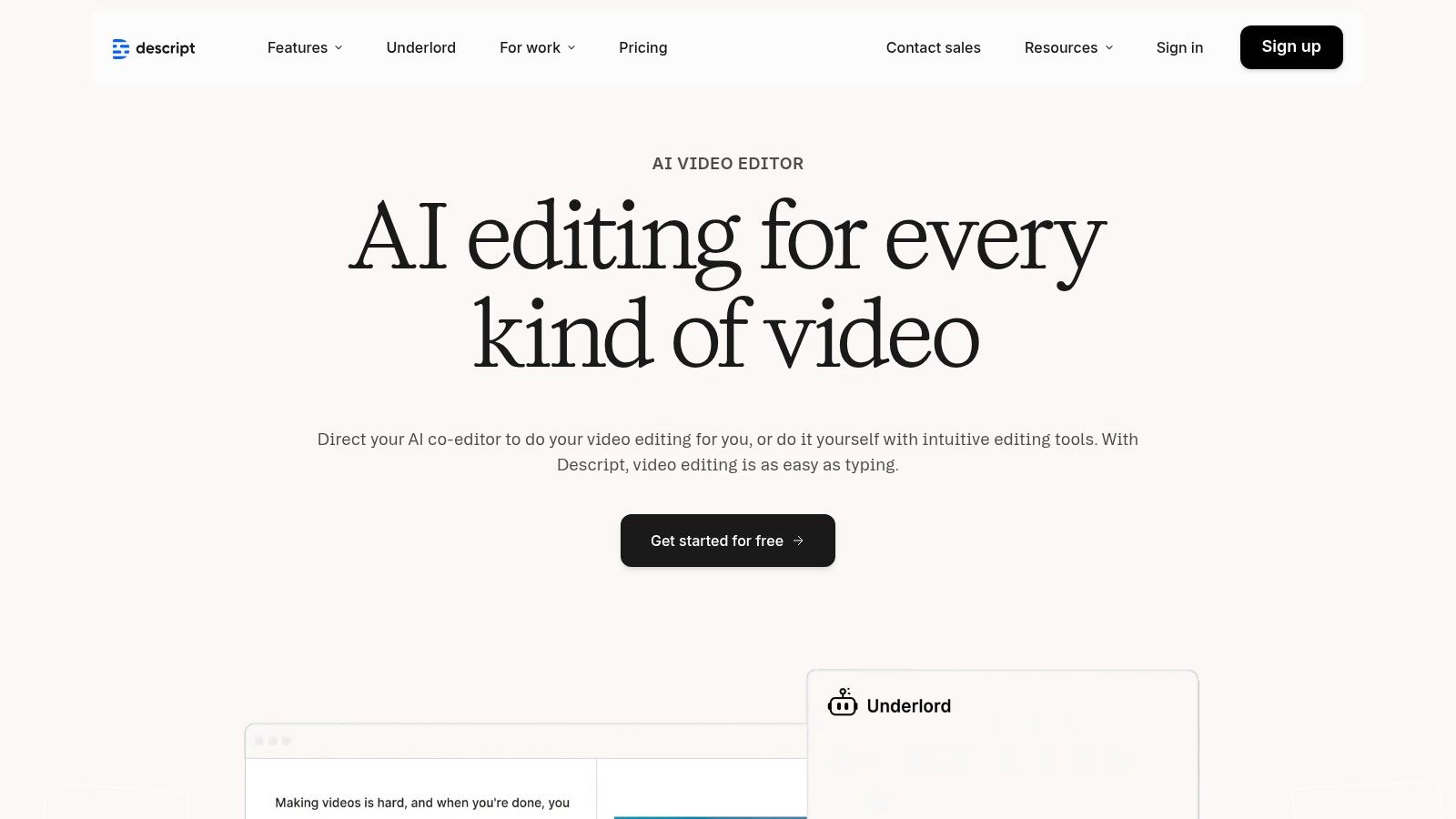
This unique, text-based approach streamlines the production of polished content. Descript’s standout features, like automatic filler-word removal and AI voice cloning, are deeply integrated into this editing experience. While it functions as a powerful piece of audio to text transcription software, its true strength is in what you can do after the transcript is generated. For those focused on video, understanding how to effectively is the first step in leveraging a tool like this.
Key Features & User Experience
- Text-Based Media Editing: Edit your audio and video files by simply editing the transcript, a highly intuitive and fast workflow.
- AI-Powered Enhancements: Features like "Studio Sound" improve audio quality with one click, and "Overdub" lets you clone your voice to correct mistakes.
- Filler Word Removal: Automatically detects and removes filler words like "um" and "uh" from both the transcript and the media file.
- Creator-Centric Tools: Includes multi-track recording, screen recording, caption generation, and publishing tools, creating a complete production suite.
Pricing and Limitations
Descript offers a free plan with limited transcription hours and basic features. Paid tiers (Creator, Pro, Enterprise) provide significantly more transcription minutes, advanced AI features like Overdub, and higher-quality 4K video exports. Its main limitation is that it's a content editor first. For users who only need to batch-transcribe a large volume of files without any editing, its powerful workflow might be overly complex and less efficient than a dedicated transcription service. The learning curve can also be steep for its more advanced editing functions.
5. Trint
Trint is a powerful, browser-based transcription platform designed specifically for media professionals, newsrooms, and production teams. It positions itself as more than just an audio to text transcription software; it's a collaborative content creation tool. Trint excels at turning raw audio and video into searchable, editable, and shareable content, with features tailored for journalistic and broadcast workflows. Its core strength lies in its robust web-based editor and team-centric tools.
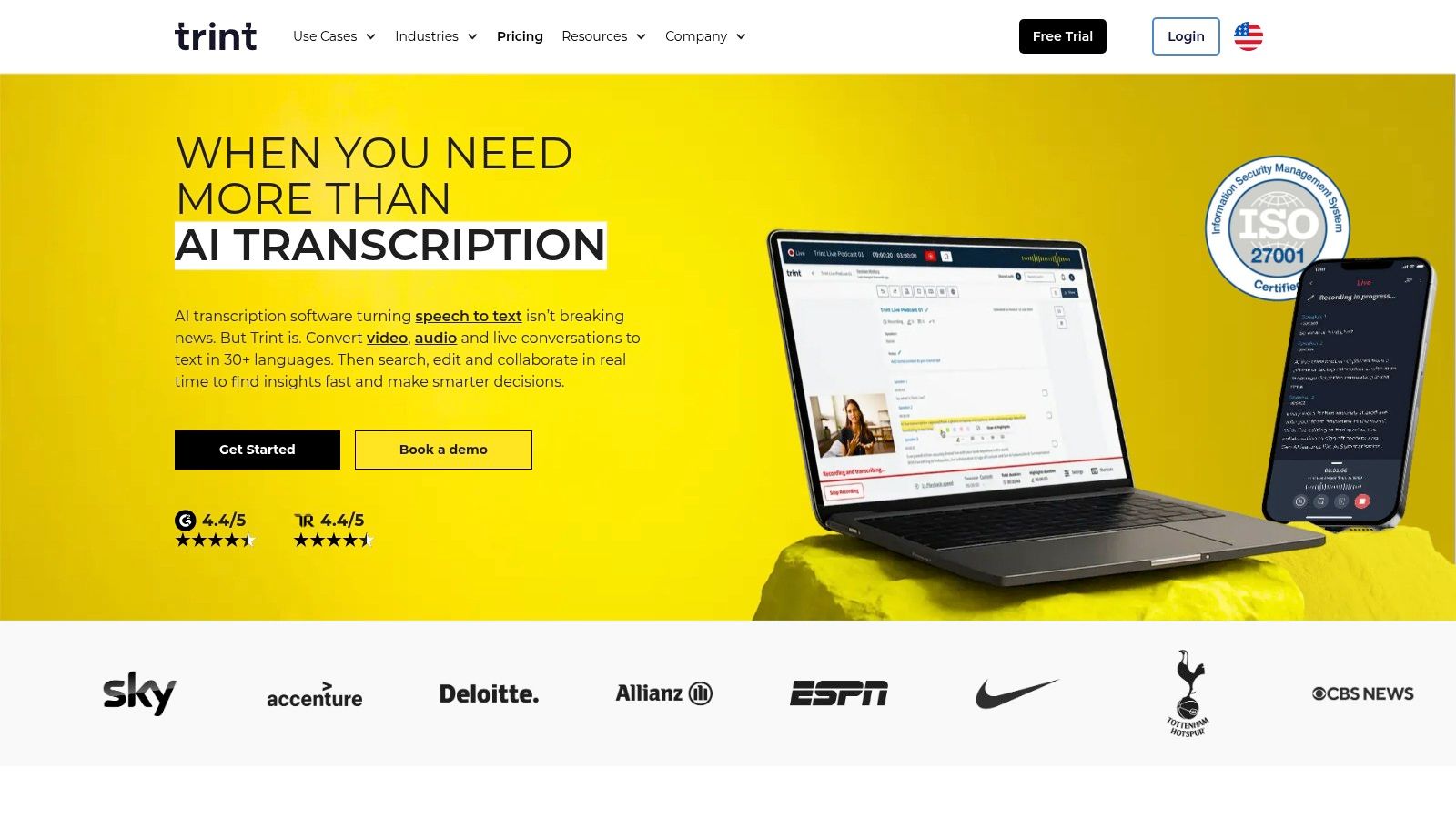
The platform’s interface combines a text editor with an audio/video player, allowing users to make corrections while referencing the source media. This is crucial for ensuring accuracy in high-stakes environments like news reporting. Teams can work together on transcripts, highlight key quotes, leave comments, and even create rough cuts of stories directly within Trint. This seamless workflow from transcription to final product makes it an invaluable asset for content production.
Key Features & User Experience
- Collaborative Editor: Allows multiple users to work on the same transcript in real-time, adding highlights, comments, and verifying text.
- Broadcast Exports: Offers specialized export formats, including SRT and VTT for captions, and EDL for video editing software integration.
- Translation: Transcripts can be translated into over 50 languages, enabling global content creation and distribution from a single platform.
- Team & Enterprise Tools: Features like shared workspaces, custom dictionaries, and robust security controls are built for organizational use.
Pricing and Limitations
Trint’s pricing reflects its professional focus and is positioned at a premium level. It offers plans like Starter, Advanced, and Enterprise, billed per user with specific transcription allotments. There is no free plan, though a free trial is available. The main limitation is its cost, which can be prohibitive for individual creators or small teams. Additionally, while some plans are marketed as "unlimited," they may be subject to fair-use policies, which is a key consideration for high-volume users.
6. Sonix
Sonix is an AI-powered transcription service known for its speed, multilingual capabilities, and robust in-browser editor. It caters to a wide audience, including journalists, filmmakers, and researchers who need fast and accurate transcriptions in over 40 languages. The platform’s key differentiator is its seamless workflow, which combines automated transcription with automated translation and subtitling, making it a comprehensive tool for global content creators.
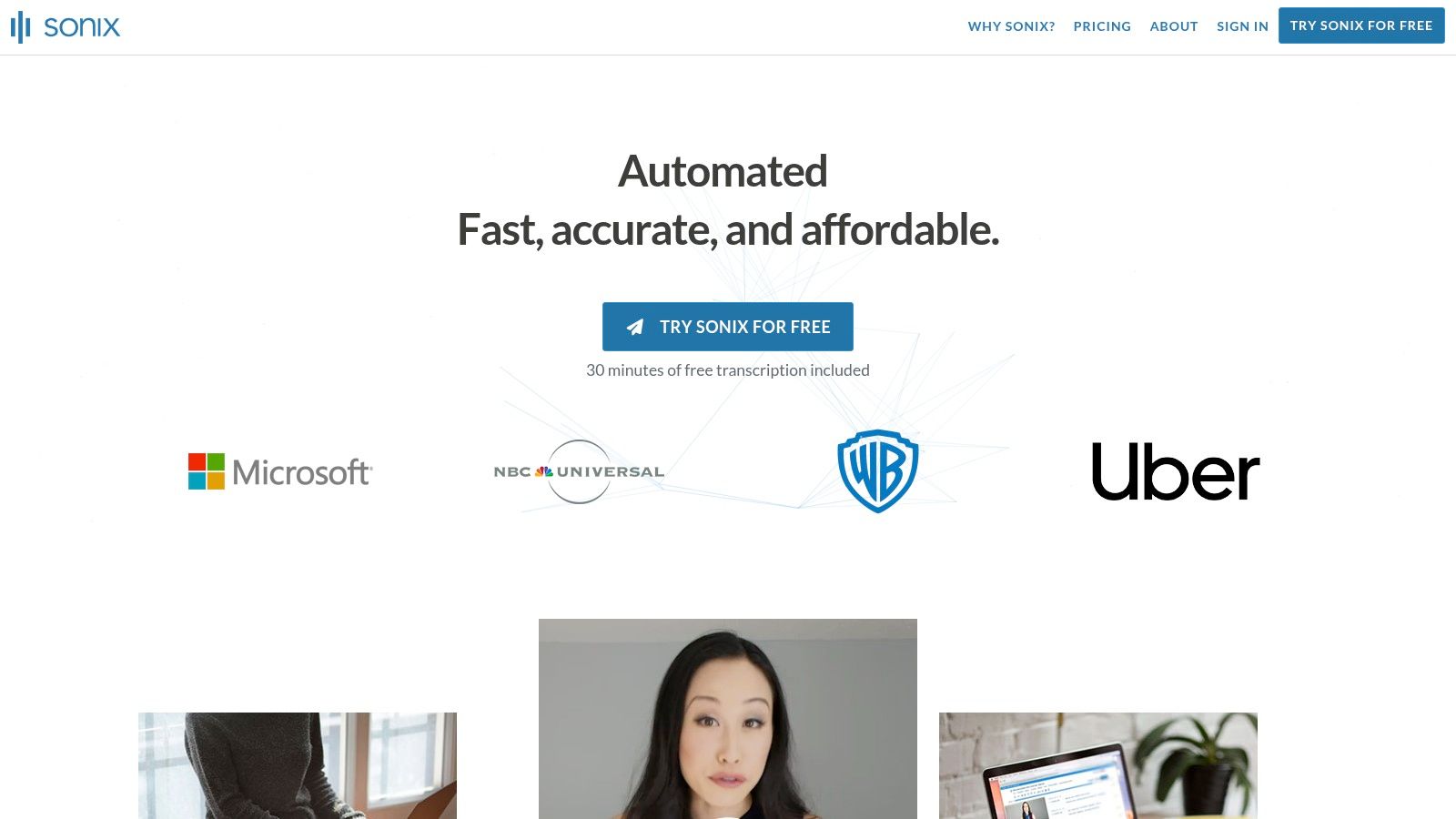
The user experience is straightforward: upload your file, select the language, and receive a notification when the transcript is ready. Sonix's editor is particularly powerful, allowing users to click on any word to jump to that point in the audio, assign speaker labels, and make corrections with ease. This word-by-word timestamping is invaluable for video editors and podcasters who need precise synchronisation between text and audio. It’s a versatile piece of audio to text transcription software for professionals managing multilingual content.
Key Features & User Experience
- Multilingual Support: Delivers automated transcription and translation in over 40 languages, with high accuracy for many of them.
- Advanced In-Browser Editor: Features word-timed editing, speaker labeling, and options to search, play, and organize transcripts efficiently.
- Automated Subtitling: Generates and customizes subtitles directly from your transcript, with options to burn them into video or export as SRT/VTT files.
- Collaboration and Integrations: Offers team workspaces for shared editing and integrates with tools like Adobe Premiere, Final Cut Pro, and Zapier.
Pricing and Limitations
Sonix offers both pay-as-you-go pricing (per hour) and subscription plans that provide lower rates and more features. The pay-as-you-go model is transparent, even prorating to the second. The primary limitation is that some advanced features, like AI-driven sentiment analysis, come with small additional fees. Users on lower-tier plans must also be mindful of storage limits, as overages can incur extra charges, making it important to manage your archived files.
7. Temi
Temi stands out in the audio to text transcription software market with its straightforward, pay-as-you-go model. It is designed for users who need quick, automated transcripts without committing to a monthly subscription. The platform is incredibly simple: you upload an audio or video file, and its AI engine processes it within minutes, delivering a draft transcript that is ready for review. This makes it a perfect fit for journalists, students, or small businesses with occasional transcription needs.
The user experience is built around this simplicity. After uploading a file, users receive an email notification when the transcript is ready. The online editor is clean and functional, allowing you to play the audio while making corrections to the text. It includes timestamps and automatically attempts to label speakers, although this feature works best with clear, distinct voices. The lack of a subscription fee is its main differentiator, offering a transparent pricing structure based purely on audio minutes.
Key Features & User Experience
- Pay-As-You-Go Model: Users only pay per minute of audio uploaded, with no subscriptions or hidden fees. This is ideal for infrequent use.
- Fast Turnaround: Temi delivers AI-generated transcripts in as little as five minutes for clear, high-quality audio files.
- Interactive Editor: The built-in editor synchronizes text with audio playback, making it easy to review and correct inaccuracies. It also supports speaker identification.
- Multiple Export Options: You can download your finished transcript in various formats, including MS Word (.docx), PDF, and caption files like SRT and VTT.
Pricing and Limitations
Temi’s pricing is a flat rate per audio minute, making it easy to predict costs. There are no tiers or plans; you simply pay for what you use. The primary limitation is its performance with challenging audio. The accuracy of this audio to text transcription software can decrease significantly with background noise, strong accents, or overlapping conversations. It also lacks live transcription capabilities for meetings, positioning it strictly as a tool for pre-recorded files.
8. Happy Scribe
Happy Scribe offers a versatile approach to audio to text transcription software by providing both AI-driven and human-powered services. This dual-offering model makes it a strong choice for users who need the speed of automation for some tasks and the guaranteed accuracy of a human professional for others. It's particularly well-suited for content creators, researchers, and global teams who value extensive language support and flexible service levels.
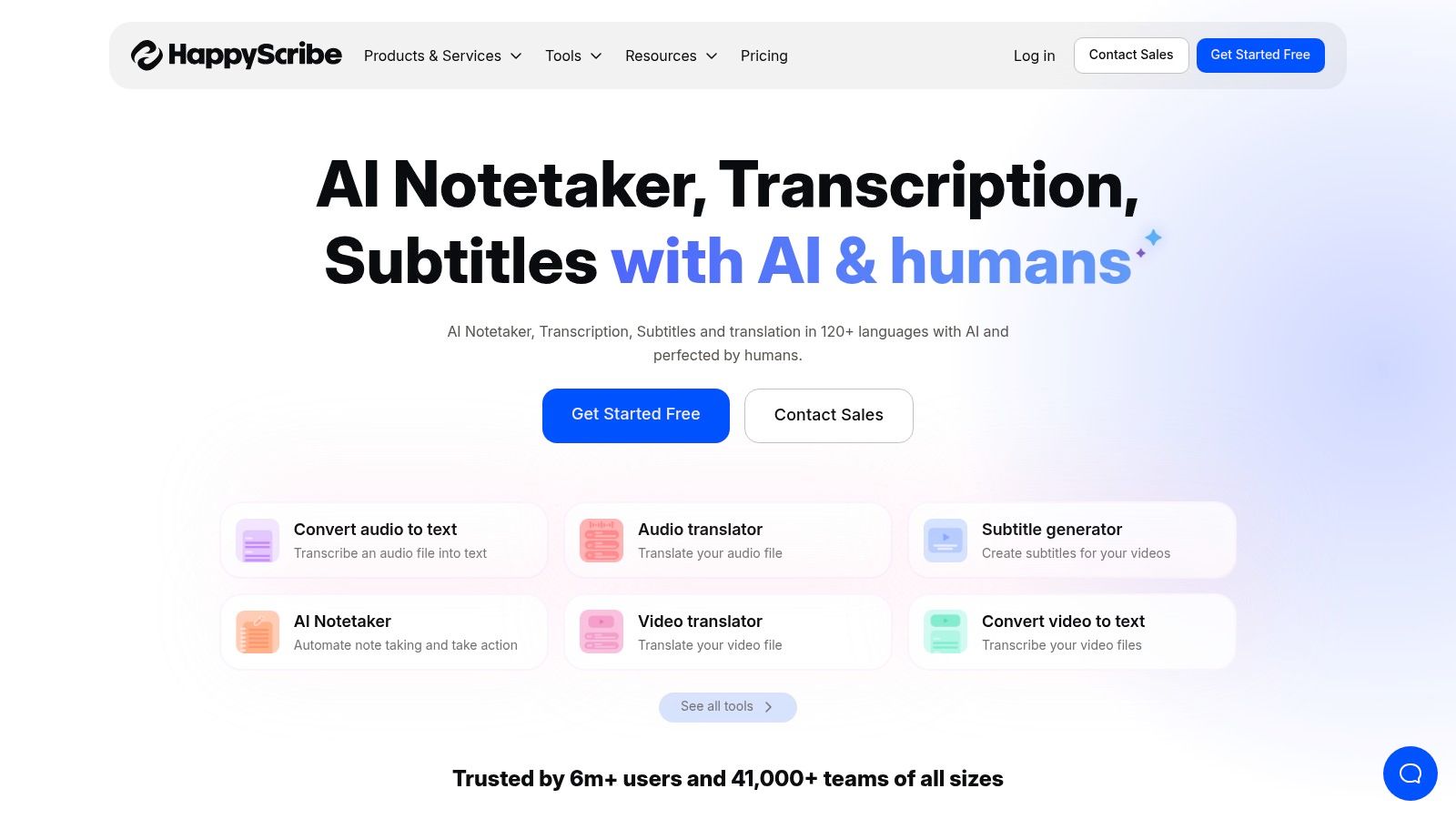
The platform is designed to handle transcription, subtitling, and translation, seamlessly integrating with popular tools like YouTube, Zoom, and Google Drive to streamline workflows. Its user interface is straightforward, allowing you to upload files, choose your service type, and easily navigate the interactive editor to make corrections or export the final transcript in formats like SRT, VTT, or DOCX.
Key Features & User Experience
- Hybrid Service Model: Users can choose between fast AI transcription or a highly accurate human-made service, providing flexibility for different project needs and budgets.
- Extensive Language Support: Happy Scribe excels in its broad coverage, offering AI transcription and subtitles in over 120 languages and dialects.
- Interactive Editor: The platform includes a user-friendly editor that links the audio directly to the text, making it simple to review and correct transcripts.
- Collaborative Workspaces: Teams can share files, edit transcripts together, and manage projects within a centralized space, improving efficiency.
Pricing and Limitations
Happy Scribe’s pricing is tiered. The AI service includes a free trial, followed by paid plans with a set number of transcription hours per month; additional minutes are billed at an overage rate. The human-made services are priced per minute, with costs varying based on the language and desired turnaround time. While the hybrid model is a major strength, the per-minute cost for human services can add up for large volumes of content, and the AI plan's overage rates require careful monitoring.
9. Amazon Transcribe (AWS)
Amazon Transcribe is a different breed of audio to text transcription software, sitting within the Amazon Web Services (AWS) ecosystem. It's not a ready-to-use application for end-users but rather a powerful, developer-focused service for building transcription capabilities directly into custom applications and workflows. Its key strength lies in its scalability and robust feature set designed for enterprise and technical use cases, from contact center analytics to media content processing.
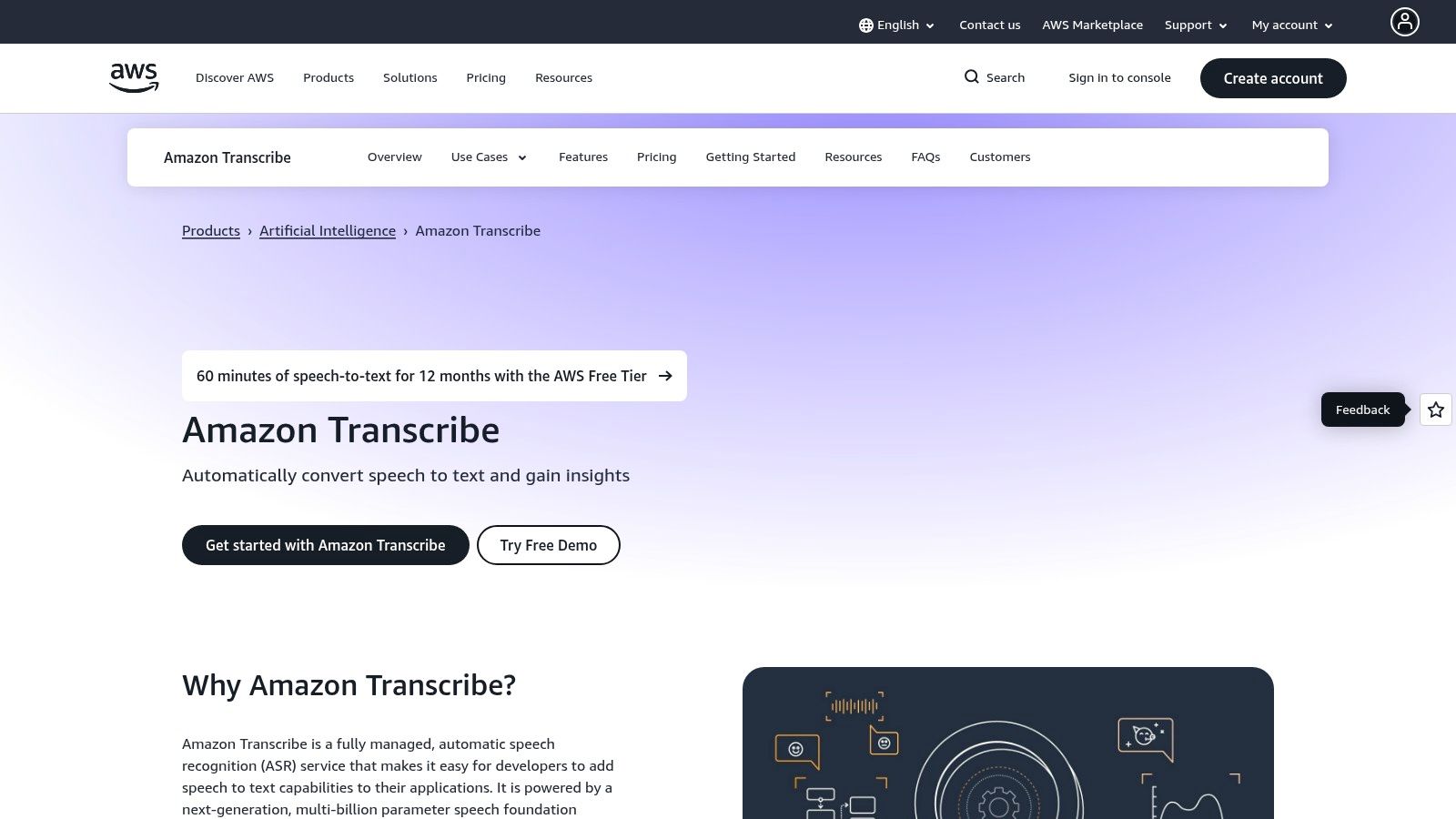
This service is ideal for businesses that need to process vast amounts of audio data automatically or require specialized features like real-time transcription streams and medical-specific models. Unlike consumer-facing tools, Transcribe offers granular control over the transcription process through its API. It allows for custom vocabularies to improve accuracy with unique terminology and provides advanced options like toxicity detection and personally identifiable information (PII) redaction for compliance.
Key Features & User Experience
- Batch and Streaming APIs: Supports both pre-recorded audio file processing and real-time transcription for live audio streams.
- Customization: Users can create custom language models and vocabularies to recognize specific product names, technical jargon, or unique accents.
- Advanced Safety Features: Offers automatic PII redaction to protect sensitive customer data and toxicity detection to flag inappropriate content.
- Call Analytics: Includes specialized features for contact centers to analyze customer conversations, track sentiment, and identify call drivers.
Pricing and Limitations
Amazon Transcribe uses a pay-as-you-go pricing model, where you pay per second of audio transcribed. While a generous free tier exists, costs can become complex as different features like PII redaction, medical transcription, or call analytics are priced separately. The primary limitation is its nature; it requires engineering expertise and an AWS account to set up and integrate. This makes it unsuitable for individuals or teams looking for a simple, out-of-the-box transcription tool.
10. Google Cloud Speech-to-Text
Google Cloud Speech-to-Text is a powerful, developer-focused service for converting spoken language into text. Unlike user-facing applications, this is an API-first tool designed to be integrated into other software, making it ideal for businesses and developers who need high-accuracy audio to text transcription software at scale. It leverages Google’s advanced AI, including its state-of-the-art Chirp model, to provide exceptionally accurate results across numerous languages.
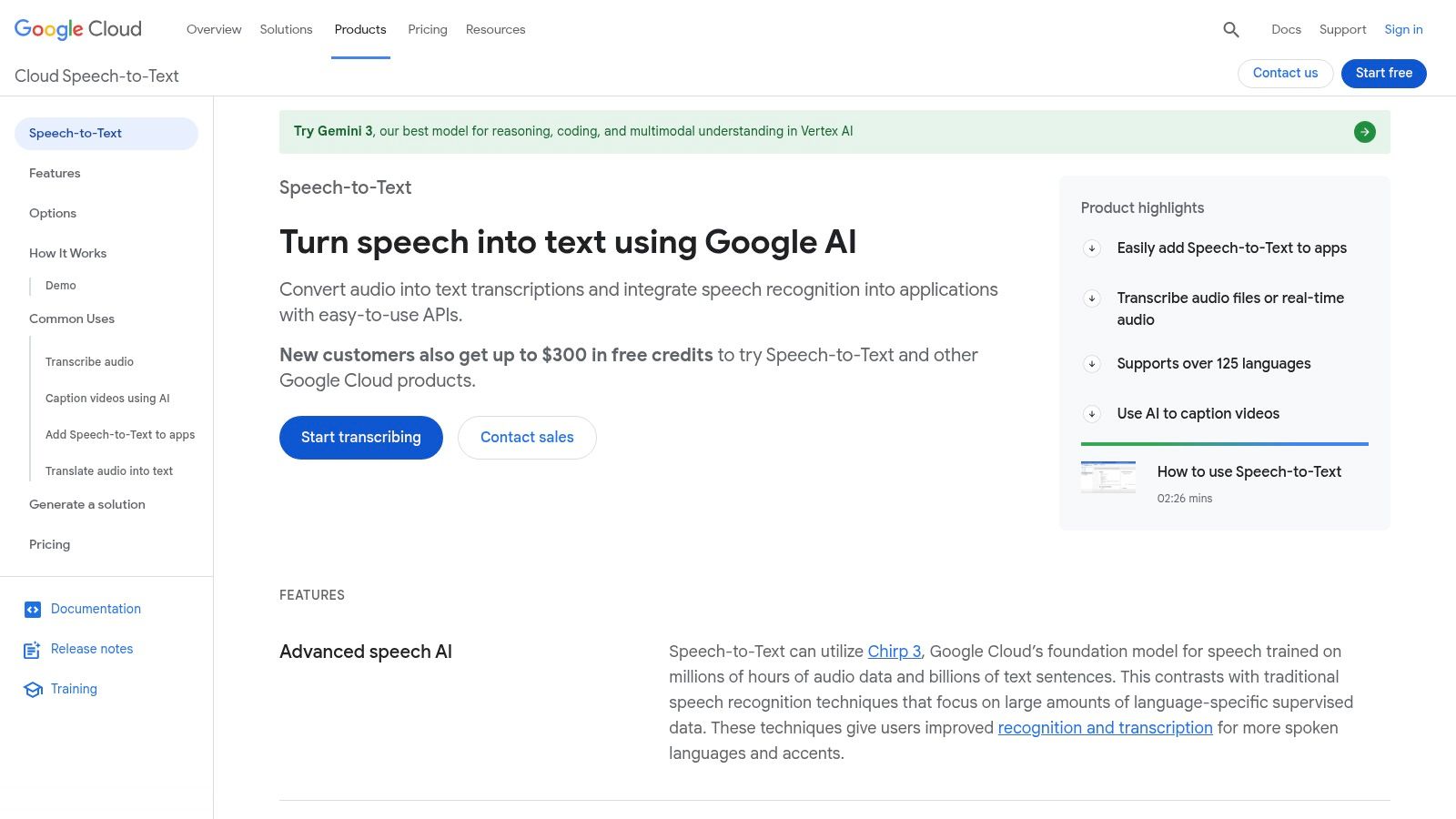
The platform is built for flexibility, supporting both real-time (streaming) transcription for live applications and batch processing for pre-recorded audio files. Its strength lies in its precision, scalability, and integration within the Google Cloud Platform (GCP) ecosystem. This makes it a go-to choice for applications requiring features like automatic call center logging, voice-controlled commands, or generating captions for large media libraries.
Key Features & User Experience
- High-Accuracy Models: Access to Google's latest AI models, including Chirp, for superior transcription quality across over 85 languages and variants.
- Flexible Processing: Supports both streaming API for live audio and batch API for processing large volumes of stored files, with discounts for batch jobs.
- Advanced Audio Features: Includes speaker diarization to identify different speakers and provides word-level timestamps for precise data synchronization.
- Enterprise-Grade Controls: Offers features like model adaptation to improve accuracy for specific terminology, data residency options, and enhanced security.
Pricing and Limitations
Google Cloud Speech-to-Text operates on a pay-as-you-go pricing model, billed per minute of audio processed. While the per-minute cost is competitive, users must factor in potential additional GCP costs for data storage and compute resources. The primary limitation is its complexity; it requires technical knowledge to set up and integrate via an API and is not a standalone application for the average consumer.
11. Microsoft Azure Speech to Text
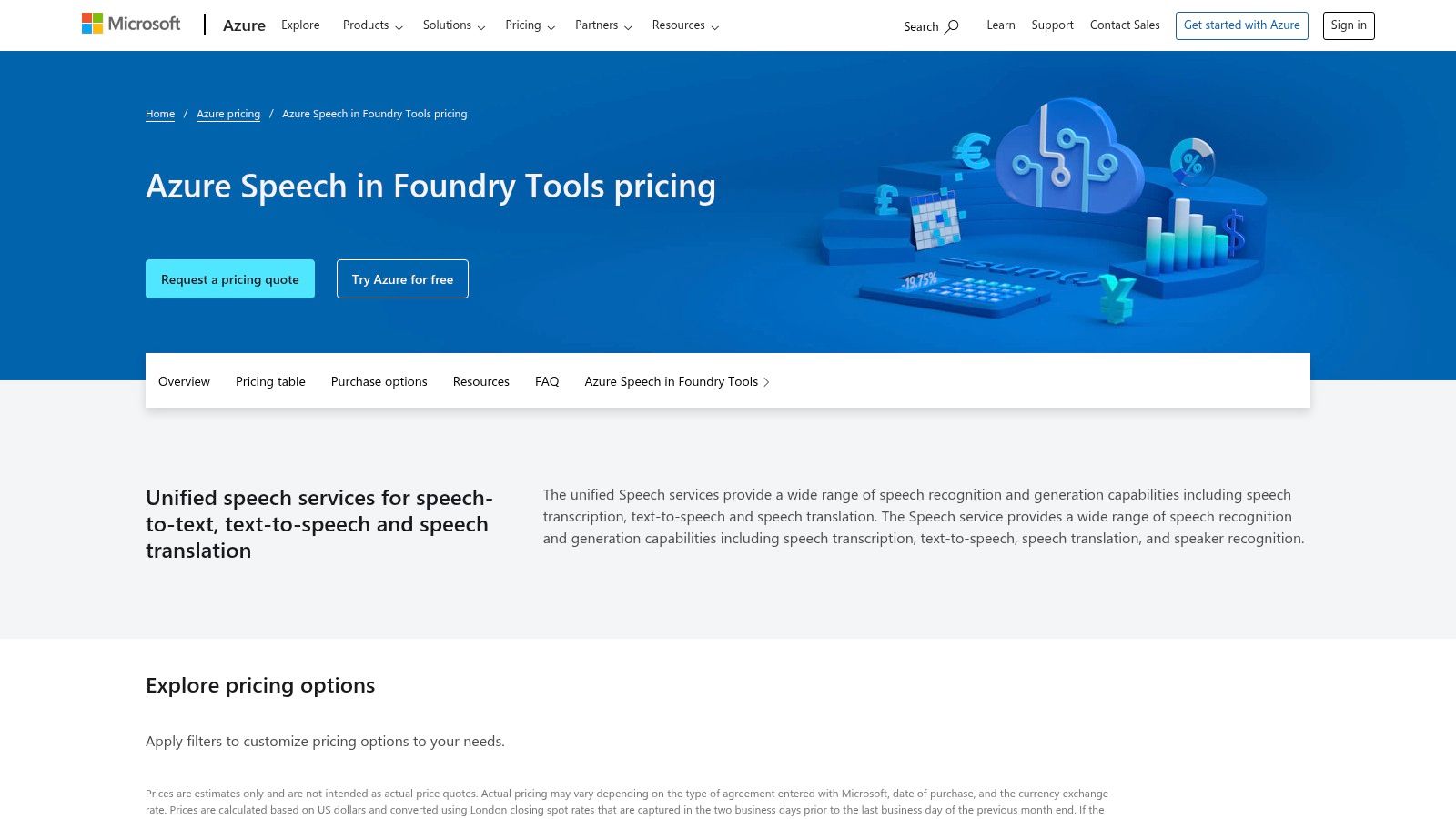
Microsoft Azure Speech to Text is a powerful, developer-focused service for organizations that need to build transcription capabilities directly into their applications and workflows. As part of Azure AI Services, it’s not a standalone app but a robust API that offers both real-time and batch processing. It excels in enterprise environments, particularly for businesses already invested in the Azure ecosystem, providing unmatched scalability, security, and the ability to create highly customized speech recognition models.
This audio to text transcription software is ideal for scenarios requiring a high degree of control and integration. For instance, a call center could use the real-time API to transcribe customer calls for live analysis, while a media company might use batch transcription to process an entire archive of video content. Its key differentiator is the ability to train custom models on your own data, significantly improving accuracy for domain-specific jargon, unique accents, or noisy acoustic environments.
Key Features & User Experience
- Real-time and Batch APIs: Offers flexible modes to support both live streaming transcription and processing large volumes of pre-recorded audio files.
- Custom Speech Models: Users can train and deploy custom acoustic, language, and pronunciation models to achieve superior accuracy for their specific use cases.
- Speaker Diarization: Automatically identifies and separates different speakers in an audio file, labeling who said what.
- Enterprise-Grade Security: Inherits Azure’s comprehensive security, compliance, and availability features, making it suitable for sensitive applications.
Pricing and Limitations
Azure’s pricing is consumption-based, charging per audio hour with both a free tier and pay-as-you-go options. Commitment tiers are available for high-volume users seeking discounts. The primary limitation is its nature as an API service; it requires significant development effort to implement and lacks a user-friendly interface for non-technical users. It’s a foundational technology, not a ready-to-use transcription tool. You can review the specifics on the pricing page.
12. Deepgram
Deepgram is a powerful, developer-first platform offering highly accurate and fast audio to text transcription software. It is engineered for businesses and developers who need to integrate speech-to-text capabilities directly into their own products and workflows. The platform stands out for its modern AI models, like Nova-2, which deliver impressive speed and precision at a very competitive price point, making it a go-to choice for building scalable applications.
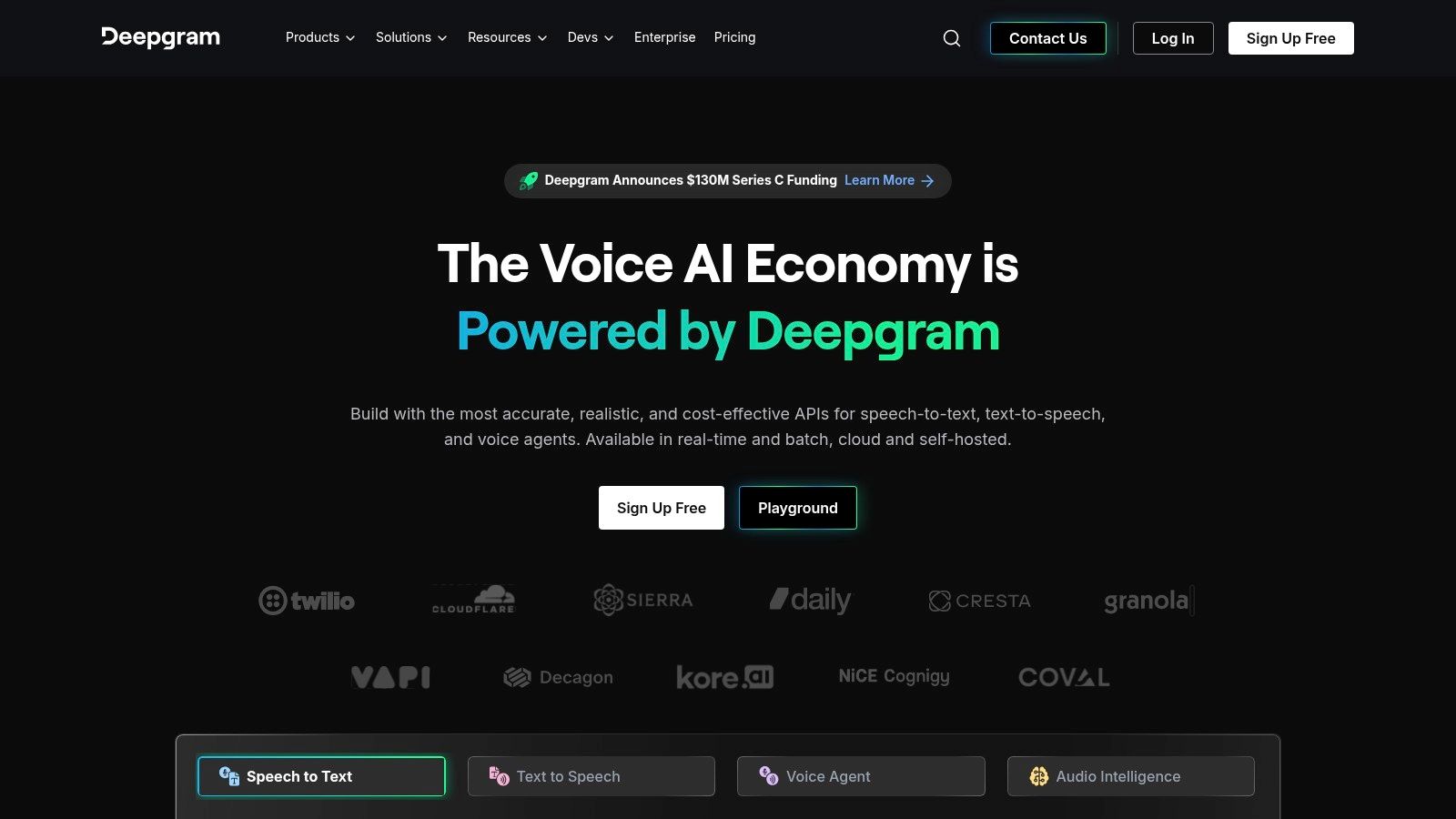
Unlike user-facing applications, Deepgram provides its services through APIs. This means it's best suited for those with technical skills who want to build custom solutions, such as real-time transcription for call centers, voice control for applications, or automated captioning for media platforms. Its focus is on providing the core engine for transcription, giving developers full control over the end-user experience.
Key Features & User Experience
- High-Performance Models: Offers access to state-of-the-art models like Nova-2, optimized for both real-time streaming and pre-recorded audio.
- Developer-Focused Tools: Provides robust APIs for both pre-recorded files and live streams, with extensive documentation to support integration.
- Advanced Audio Intelligence: Includes features like diarization (speaker identification), smart formatting for readability, redaction, and topic detection.
- Language Support: Transcribes audio in over 30 languages, catering to global applications and diverse user bases.
Pricing and Limitations
Deepgram’s pricing is one of its strongest selling points. It operates on a pay-as-you-go model with transparent, per-second billing and offers a generous free credit for developers to test the API thoroughly. This makes it cost-effective, especially at scale. The primary limitation is its nature; it is not a ready-to-use tool for the average consumer. To leverage its power, you need development resources, making it less suitable for individuals simply looking to transcribe a single meeting or interview without technical setup.
Top 12 Audio-to-Text Transcription Tools Comparison
| Product | Core features | UX & accuracy | Pricing & value | Best for / Target audience | Unique selling point |
|---|---|---|---|---|---|
| Kopia.ai (Recommended) | Fast multilingual STT, word‑level synced editor, subtitles, 1‑click translation, AI analysis, API | High speed; strong accuracy; word‑level correction; manual fixes may be needed on noisy audio | Free (1 hr); Starter $14.99/mo (20 hrs); Pro $31.99/mo (100 hrs); Business custom | Podcasters, creators, educators, teams needing publish‑ready transcripts | Word‑level in‑browser editor + "talk to your transcript" AI for summaries, chapters & insights |
| Otter.ai | Live meeting transcription, calendar + conferencing integrations, speaker ID, mobile apps | Very easy setup; good meeting summaries; reliable for clear audio | Free/paid tiers; limits on imports in lower plans | Students, educators, business teams for meeting notes | Real‑time meeting notes and calendar integrations |
| Rev | AI + human transcription/captions, timestamped editor, subtitles, translations | Option for 99%+ human accuracy; predictable turnaround | Clear per‑minute pricing; human services cost more | Legal, compliance, high‑accuracy projects; enterprises | Human + AI combo with trusted accuracy and SLAs |
| Descript | Text‑based audio/video editing, overdub voice cloning, Studio Sound, captions | Creator‑focused workflow; strong editing tools; some learning curve | Subscription tiers with included minutes; creator pricing | Podcasters and video creators who edit via transcript | Edit media by editing text; overdub and integrated publishing |
| Trint | Browser editor, multi‑speaker timestamps, team collaboration, translation, API | Mature web editor for corrections; production workflows | Premium/team pricing; enterprise options | Newsrooms, broadcasters, media teams | Media/prod‑oriented collaboration and translation workflows |
| Sonix | AI transcription (40+ languages), translation, word‑timed editor, team workspaces | Fast, balanced accuracy; good integration set | Per‑hour usage with subscription discounts; transparent billing | Teams needing multilingual transcription and subtitles | Clear prorated pricing + word‑timed editor and team features |
| Temi | Fast pay‑as‑you‑go AI transcription, online editor, exports (SRT/VTT/DOCX) | Very fast for clear audio; accuracy drops with noise | Pay‑per‑minute, no subscription | Occasional users who want cheap, quick drafts | Simple, no‑friction pay‑as‑you‑go service |
| Happy Scribe | AI + human transcription/subtitles, translation, integrations (Zoom/Drive/YT) | Flexible accuracy with human option; editor + exports | AI minutes by plan; human services priced per minute | Creators and small teams needing human review options | Mix of AI speed and human accuracy across many languages |
| Amazon Transcribe (AWS) | Batch & streaming APIs, custom models/vocab, PII redaction, call analytics | Enterprise‑grade scalability; requires engineering | Pay‑per‑use; feature‑based pricing (redaction, medical models) | Developers and enterprises on AWS; contact‑center use cases | Rich telephony features, PII redaction, medical & compliance models |
| Google Cloud Speech‑to‑Text | API‑first, Chirp/high‑accuracy models, streaming & batch, 85+ languages | High accuracy; strong multilingual support; enterprise controls | Competitive per‑minute pricing; GCP integration | Developers on GCP needing low per‑minute cost and controls | Chirp model, broad language coverage, GCP ecosystem integration |
| Microsoft Azure Speech to Text | Real‑time & batch APIs, diarization, language ID, custom models | Enterprise features and SLAs; Azure integration; setup required | Pay‑as‑you‑go/commit tiers; region/feature pricing | Organizations invested in Azure cloud and enterprise apps | Deep Azure integration, custom speech training and enterprise security |
| Deepgram | Streaming & pre‑recorded endpoints, Nova/Flux models, redaction & diarization add‑ons, self‑host | Very fast, cost‑efficient; technical to configure | Low per‑minute rates, per‑second billing, free testing credits | Developers building speech products needing scale and low cost | Modern models with competitive pricing and self‑host options |
Making Your Final Choice: Which Transcription Software Is Right for You?
Navigating the crowded market of audio to text transcription software can feel overwhelming, but the journey to finding the perfect tool becomes much clearer when you focus on your specific workflow and primary goals. We've explored a dozen powerful options, from developer-focused APIs to all-in-one creative suites, each with its own set of strengths and ideal user profiles. Your final decision hinges not on finding a single "best" tool, but on identifying the one that aligns most closely with your needs for accuracy, speed, collaboration, and budget.
The key takeaway is that the right software acts as a powerful lever, transforming your raw audio and video files from passive recordings into active, searchable, and repurposable assets. It’s about more than just getting words on a page; it’s about unlocking the value trapped within your media.
Recapping Your Options Based on Your Role
Let's distill our findings into a simple guide to help you make a confident choice. Your role is the best indicator of which features will provide the most significant return on your investment.
- For Content Creators (Podcasters & YouTubers): Your world revolves around editing and content repurposing. A tool like Descript is a natural fit, as its text-based video and audio editing is revolutionary. However, for generating show notes, summaries, and social media content from your final episode, a platform like Kopia.ai offers superior AI analysis features that can save you hours in post-production.
- For Researchers, Students, & Educators: Accuracy and organization are paramount. You need a tool that can handle long recordings, distinguish between speakers clearly, and help you find key moments quickly. Otter.ai is a strong contender for live transcription and note-taking, while Trint excels at helping you code and analyze qualitative data.
- For Business Teams & Professionals: Your focus is on efficiency, collaboration, and extracting actionable insights from meetings, interviews, and customer calls. The ability to quickly summarize discussions, identify action items, and share transcripts securely is vital. Kopia.ai shines here with its AI-powered chat and summarization features, making it easy to get the gist of a long meeting without re-watching it.
- For Developers & Large-Scale Operations: You require raw power, speed, and scalability. The big cloud providers like Amazon Transcribe (AWS), Google Cloud Speech-to-Text, and Microsoft Azure offer robust, enterprise-grade APIs. For those needing cutting-edge speed and accuracy, a specialized API like Deepgram is often the top choice for building custom applications.
Key Factors to Guide Your Decision
Before you commit to a subscription, consider these final implementation factors. This is the practical checklist that separates a good choice from a great one.
- Workflow Integration: How easily does the software fit into your existing process? A standalone tool might be perfect for occasional use, but a platform that integrates with your video editor, cloud storage, or team collaboration app (like Slack or Zapier) will provide far more value for daily users.
- Total Cost of Ownership: Look beyond the monthly price. Consider per-minute costs for overages, fees for human transcription services (like those offered by Rev and Happy Scribe), and the number of user seats included in a plan. Sometimes, a slightly more expensive plan is more cost-effective if it includes features that save you significant time.
- The Learning Curve: How intuitive is the user interface? A complex tool might be powerful, but if it takes weeks to master, the initial productivity loss could be significant. Look for a tool with a clean design and a straightforward editing experience. This is an area where platforms like Kopia.ai and Otter.ai have a distinct advantage.
Ultimately, the best audio to text transcription software is the one you will actually use. It should reduce friction in your workflow, not add to it. Take advantage of free trials to test your own audio files and see which interface feels most natural. Your ideal solution is out there, waiting to turn your spoken words into your most valuable digital asset.
Ready to experience the next level of transcription? Kopia.ai combines industry-leading accuracy with powerful AI analysis tools, allowing you to not only transcribe your audio but also understand and repurpose it in minutes. Start for free and see how our intuitive platform can transform your workflow today by visiting .