2026-02-05
Top 12 Ways to Transcribe Audio to Text Free in 2026
Manually typing out audio recordings is a time-consuming and tedious task. Whether you're a student transcribing a lecture, a podcaster creating show notes, or a researcher analyzing interview data, the hours spent hitting pause, rewind, and type can feel endless. Fortunately, you no longer need to handle this process manually or pay high fees for professional services. The solution is to transcribe audio to text free using powerful automated tools, and this guide is designed to help you find the perfect one for your specific needs.
This comprehensive listicle breaks down the best free transcription options available today. We move beyond simple feature lists to provide a practical, hands-on look at each tool. You will find a detailed analysis of leading platforms like Otter.ai and Descript, as well as creative methods using built-in features from services like YouTube. For those with technical skills, we even explore powerful open-source models like OpenAI's Whisper.
Our goal is to give you a clear, honest assessment so you can make an informed choice. Inside, you'll discover:
- Step-by-step guides with screenshots for each tool, showing you exactly how to get started.
- An honest look at the pros and cons, including accuracy levels, language support, and usage limits of their free plans.
- Crucial considerations for privacy and data security, so you know how your files are handled.
- Tips on supported file formats and available export options (like TXT, DOCX, or SRT).
Forget the hassle of manual transcription. This guide provides direct links and all the information you need to start converting your audio to text for free, quickly and efficiently. Let's find the right tool for you.
1. Kopia.ai
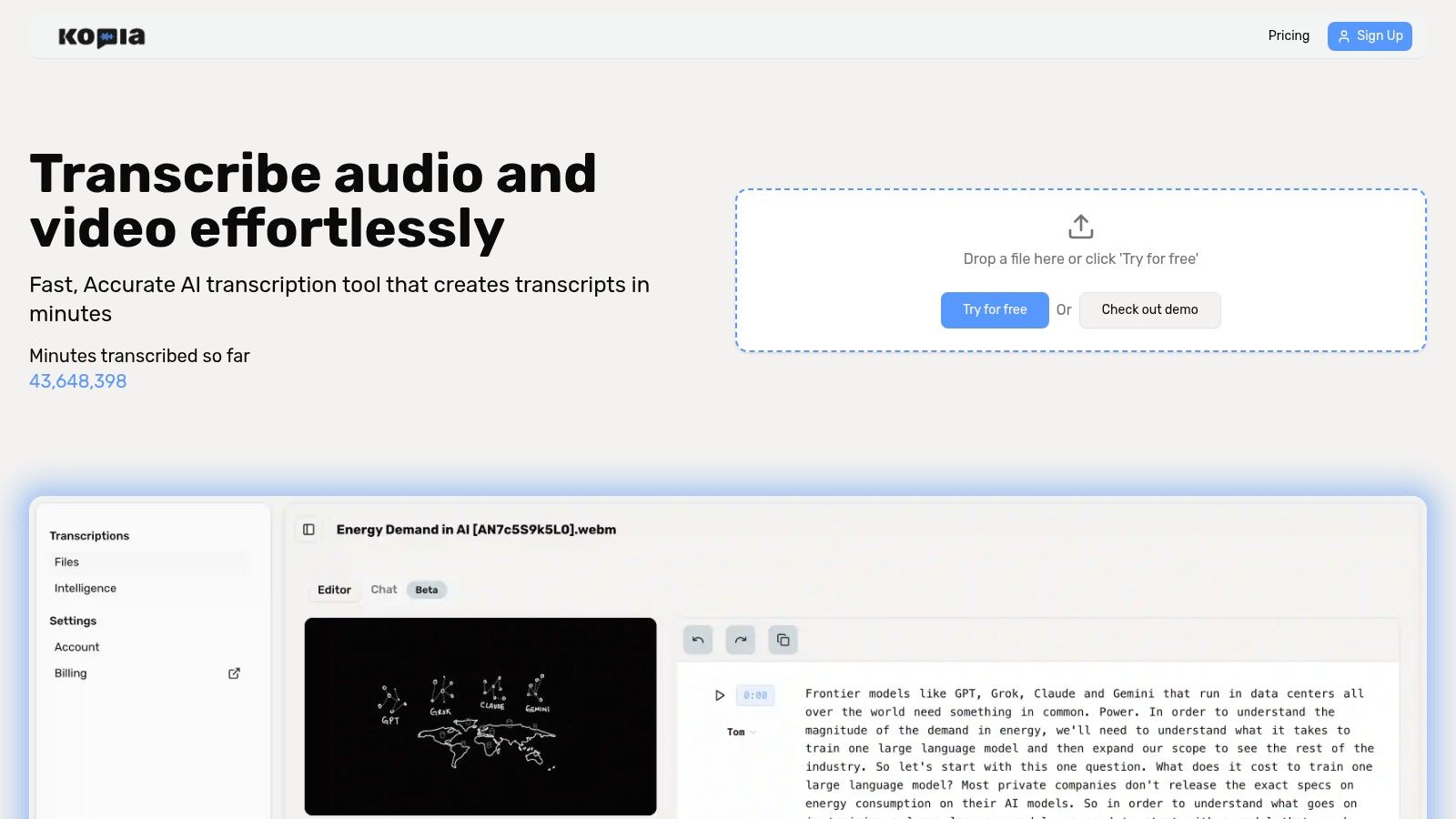
Kopia.ai stands as a powerful and highly efficient solution for anyone needing to transcribe audio to text free. It's designed as an all-in-one AI transcription platform that excels in speed, accuracy, and post-transcription workflow, making it a standout choice for both casual users and professionals. The platform quickly converts audio and video files into editable, searchable text, supporting a remarkable 102 languages for transcription.
What truly sets Kopia.ai apart is its suite of AI-powered tools that go far beyond a simple text file. The platform features a unique, word-synced editor, allowing you to click on any word in the transcript and jump directly to that moment in the audio. This makes correcting minor errors exceptionally fast and precise. Furthermore, its “talk to your transcript” AI can generate summaries, create chapters, and detect key topics, transforming a raw transcript into actionable insights instantly.
Why It's a Featured Choice
Kopia.ai is more than a transcription service; it's a complete content repurposing engine. Podcasters can generate show notes in minutes, video creators can produce subtitles and burn captions directly into videos, and researchers can quickly extract key findings from interviews. The ability to translate transcripts into over 130 languages with a single click makes it invaluable for reaching a global audience.
Key Features and Benefits:
- High Accuracy & Speed: Delivers fast, reliable transcripts for meetings, interviews, and lectures.
- Interactive Editor: Click any word to jump to the corresponding audio/video timestamp for easy verification and editing.
- AI Analysis Suite: Automatically generate summaries, chapters, and topic lists to quickly understand your content.
- Built-in Subtitles & Captions: Export SRT/VTT files or burn captions directly onto your video to improve accessibility and SEO.
- Multi-language Support: Transcribe in 102 languages and translate into over 130, breaking down language barriers.
Pricing and Access
Kopia.ai operates on a flexible freemium model. The Free tier includes 1 hour of transcription credit for files up to 90 minutes long, making it a great starting point. For those with greater needs, paid plans offer significantly more transcription hours at a competitive per-hour rate. You can explore a detailed breakdown of the different tiers on the .
- Pros:
- Fast, highly accurate AI transcription with an intuitive, word-synced editor.
- Powerful AI analysis tools (summaries, chapters) accelerate content creation.
- Excellent subtitle and translation features for video creators and global teams.
- Generous Pro tier is ideal for heavy users like podcasters and researchers.
- Cons:
- The free plan is limited to one hour, and file uploads are capped at 90 minutes on lower tiers.
- Lacks prominent enterprise-grade compliance certifications (like HIPAA/SOC2) on its website, requiring regulated industries to verify security specifics.
Website:
2. Otter.ai
Otter.ai is a polished, AI-powered transcription service specifically designed for meetings, interviews, and lectures. It stands out by offering a perpetually free Basic plan, making it an excellent starting point for anyone who needs to transcribe audio to text free on a regular basis. The platform excels at real-time transcription, allowing you to record directly in the app or connect it to your virtual meetings.
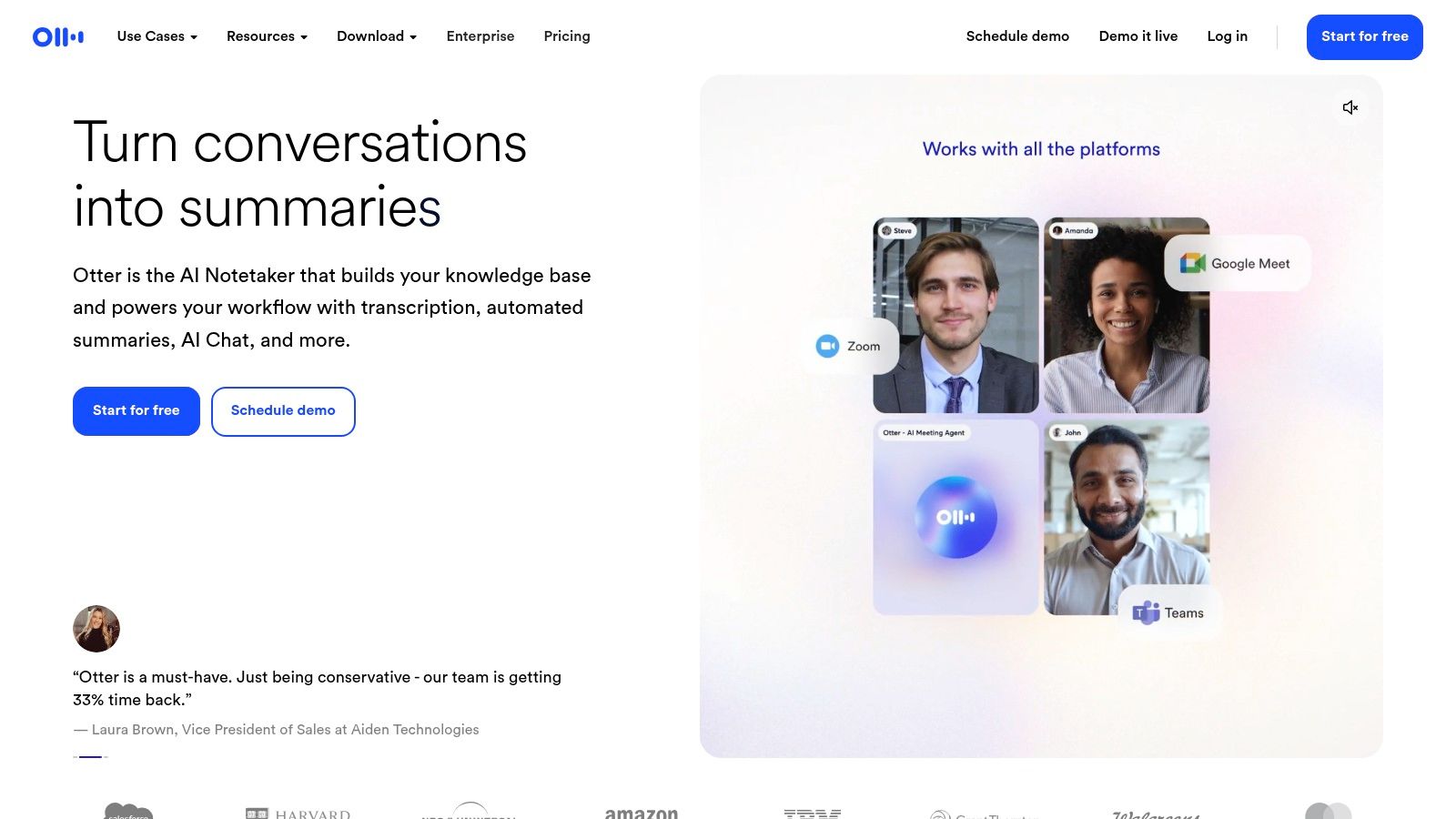
The user interface is clean and intuitive, focusing on making transcripts easy to edit and share. A key feature is its ability to identify and label different speakers, which is incredibly helpful for reviewing meeting notes or interviews. You can also search your entire conversation history, making it easy to find key information later.
Key Features and Limitations
Otter.ai is perfect for students recording lectures or professionals documenting Zoom calls, thanks to its direct integrations with popular conferencing tools. However, the free plan has important limitations you should know.
What You Get with the Free Plan:
- Monthly Minutes: 300 transcription minutes per month.
- Per-Conversation Limit: A maximum of 30 minutes per transcription.
- Live & Upload: Transcribe live recordings or upload existing files.
Important Free Plan Restrictions:
- You can only import a total of 3 audio or video files for the lifetime of the account.
- Your conversation history is limited to the most recent 25 recordings.
- Some advanced features like custom vocabulary and bulk export are reserved for paid tiers.
Despite these limits, Otter.ai’s generous monthly minute allowance and high-quality, speaker-aware transcription make it a top choice for recurring, short-form audio needs.
Website:
3. Notta.ai
Notta is a versatile transcription tool that functions much like a productivity assistant, offering a clean interface for both live and file-based transcription. It's a strong competitor for users looking for a way to transcribe audio to text free across multiple devices, thanks to its cross-platform synchronization. The platform includes a handy Chrome extension, making it easy to capture audio directly from web meetings or online videos.
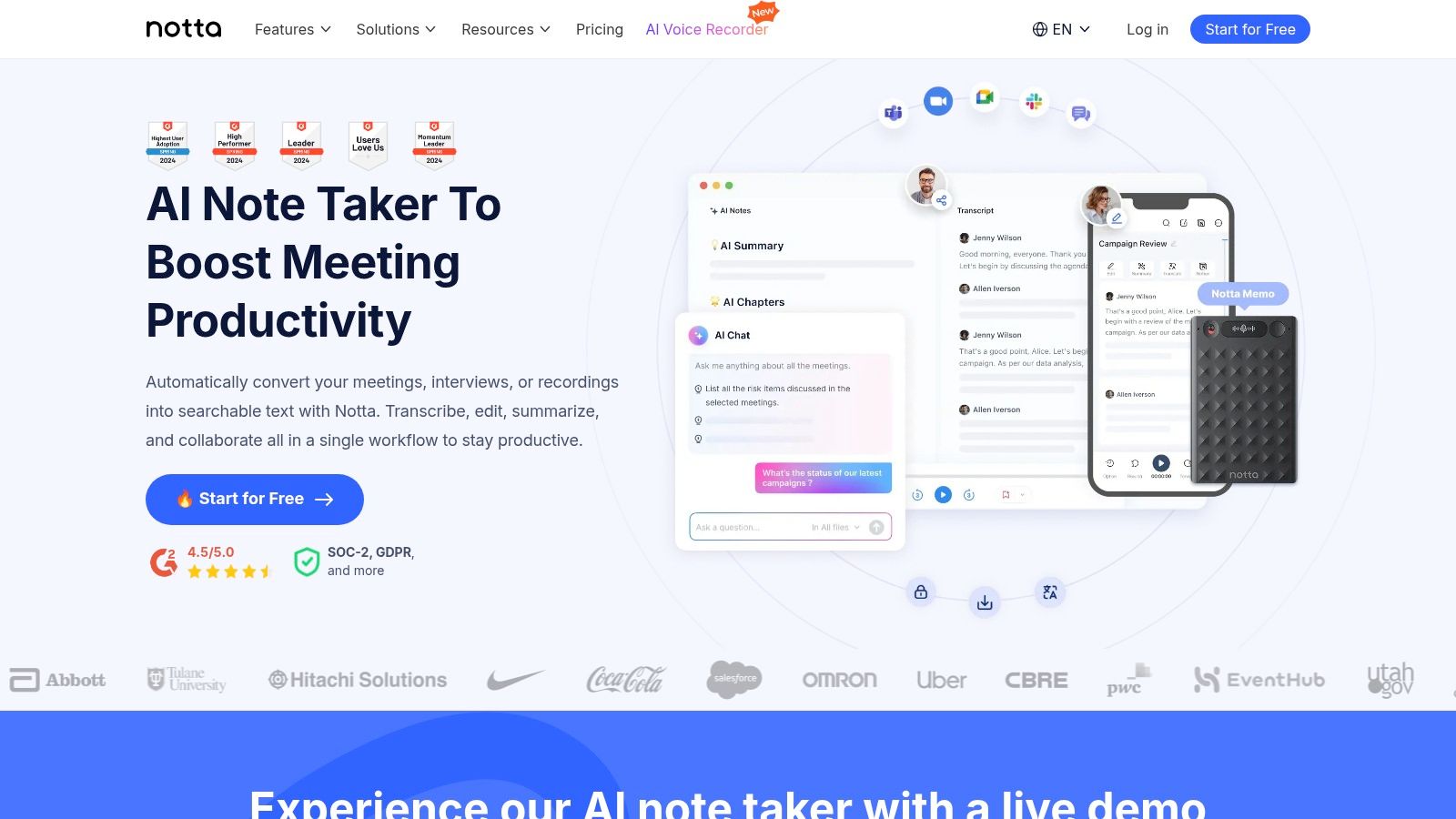
The user experience is straightforward, focusing on quick turnarounds for uploaded files and efficient capture of live audio. Notta's free plan is designed for light, ongoing use rather than a one-time large project. It provides speaker identification and even offers AI-powered summaries, which can quickly give you the key takeaways from a conversation, although this is limited in the free version.
Key Features and Limitations
Notta is an excellent choice for individuals who need to capture short snippets from various sources like web conferences, lectures, or personal voice notes and want them synced across their devices. However, the free plan's constraints are tight and geared toward brief interactions.
What You Get with the Free Plan:
- Monthly Minutes: 120 transcription minutes per month.
- Per-Conversation Limit: A strict 3-minute maximum for live transcriptions and 5 minutes for file uploads.
- Platform Access: Use it via the web, mobile app, and Chrome extension.
Important Free Plan Restrictions:
- Live transcription is capped at 3 minutes per session.
- File uploads are limited to 5 minutes per file.
- Advanced features like AI summaries and exporting to formats other than TXT are not included.
While the minute cap per conversation is low, Notta's indefinite free plan and multi-platform accessibility make it a solid option for capturing quick thoughts and very short meeting segments.
Website:
4. Descript
Descript is an innovative all-in-one audio and video editor built around its transcription service. It flips the editing process on its head: you edit your media by simply editing the text. This makes it a powerful tool for podcasters, video creators, and anyone who needs to not just transcribe audio to text free but also edit the underlying content efficiently.
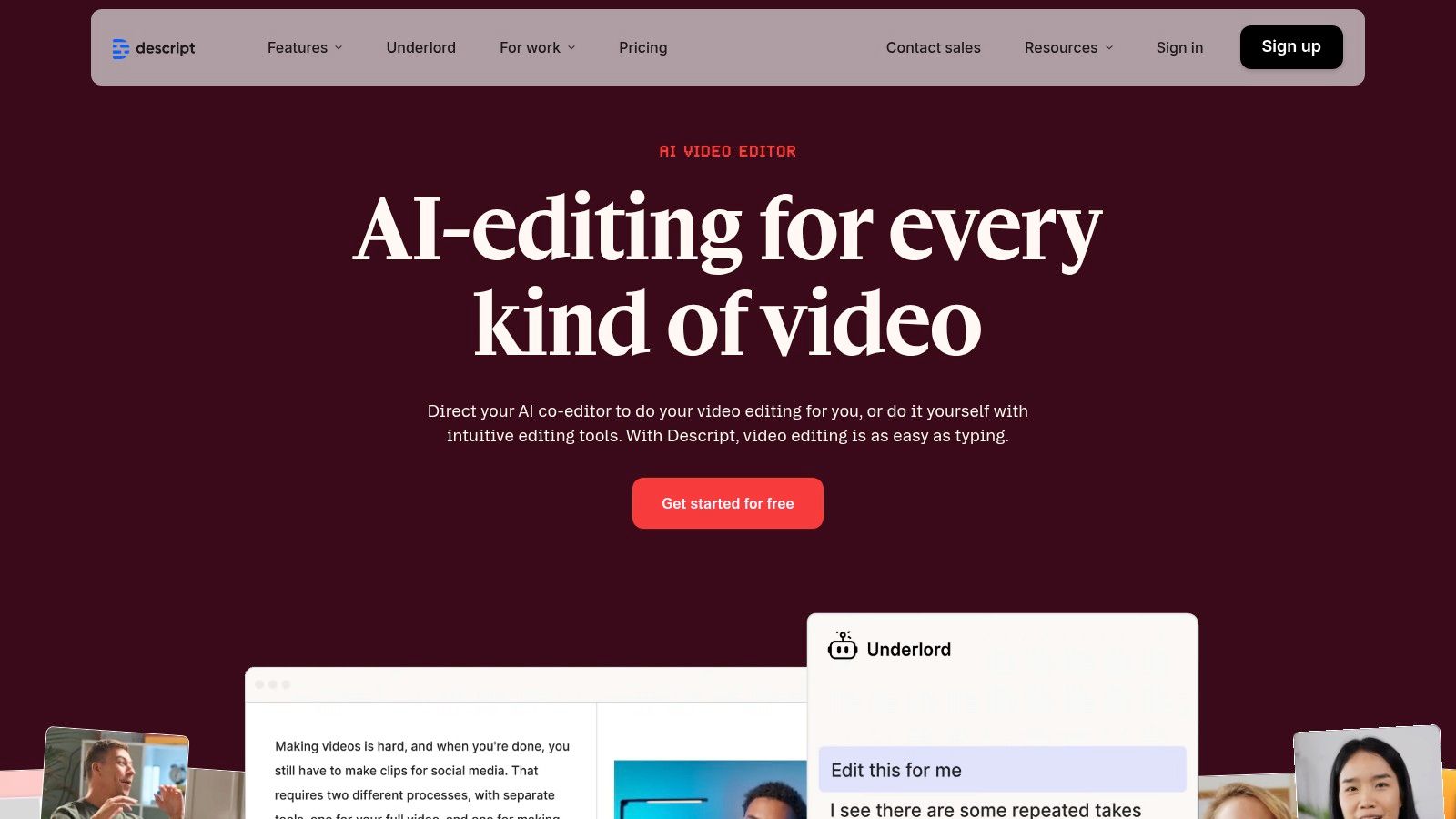
The platform automatically transcribes your uploaded files, identifies different speakers, and even detects filler words like "um" or "uh" for easy removal. The free plan is designed as a gateway to this unique workflow, offering a limited but functional experience without requiring a credit card to get started. Its a great way to handle basic conversion and editing.
Key Features and Limitations
Descript is ideal for content creators who want a seamless transcription-to-editing workflow. However, the free plan's transcription allowance is more of a trial than a long-term solution for frequent users.
What You Get with the Free Plan:
- Monthly Minutes: 1 hour of transcription per month.
- Core Functionality: Access to the text-based audio/video editor and screen recorder.
- Filler Word Detection: Identify and remove filler words in one click.
Important Free Plan Restrictions:
- Video exports are limited to 720p resolution and include a Descript watermark.
- Some AI-powered features like Studio Sound (noise reduction) are not included.
- The 1-hour monthly limit is strict and renews each month, not accumulating.
While the transcription limit is modest, Descript's unique editing paradigm makes it an invaluable free tool for anyone looking to quickly clean up short audio or video projects.
Website:
5. YouTube Studio (Automatic Captions)
For content creators already working with video, YouTube offers a surprisingly effective way to transcribe audio to text free. By leveraging its built-in automatic captioning feature, you can generate a full transcript for any video you upload. This method is perfect for podcasters who can convert their audio into a simple video format or for anyone with video interviews, lectures, or presentations.
The process is straightforward: upload your video, wait for YouTube to process it, and then navigate to the "Subtitles" section in YouTube Studio. The platform will automatically generate captions which you can then edit for accuracy. Once corrected, you can copy the text directly from the editor or download the transcript file.
Key Features and Limitations
This approach is best for those who publish video content anyway, as it integrates transcription directly into the publishing workflow. However, it's a clunky workaround if you only need to transcribe a standalone audio file.
What You Get for Free:
- Unlimited Uploads: No limit on the number of videos (or audio files converted to video) you can upload and transcribe.
- Automatic Captions: AI-powered transcription in numerous languages.
- Inline Editor: A simple interface to review, edit, and correct the generated text and timestamps.
Important Free Plan Restrictions:
- Requires a Google/YouTube account and content must be uploaded as a video.
- The accuracy of the auto-captions can be highly variable, especially with poor audio quality, multiple speakers, or technical jargon.
- Downloading the transcript as a clean text file can be a multi-step process that is less direct than dedicated transcription tools.
Despite its quirks, using YouTube Studio is a powerful, cost-free method for anyone who can easily package their audio into a video format.
Website:
6. OpenAI Whisper (open-source)
For those with technical skills who need unlimited, private transcription, OpenAI's Whisper model is a game-changer. Unlike web-based services, Whisper is an open-source tool you run on your own computer, giving you a powerful way to transcribe audio to text free of charge and completely offline. It's ideal for developers, researchers, or anyone handling sensitive data who needs maximum control and privacy.
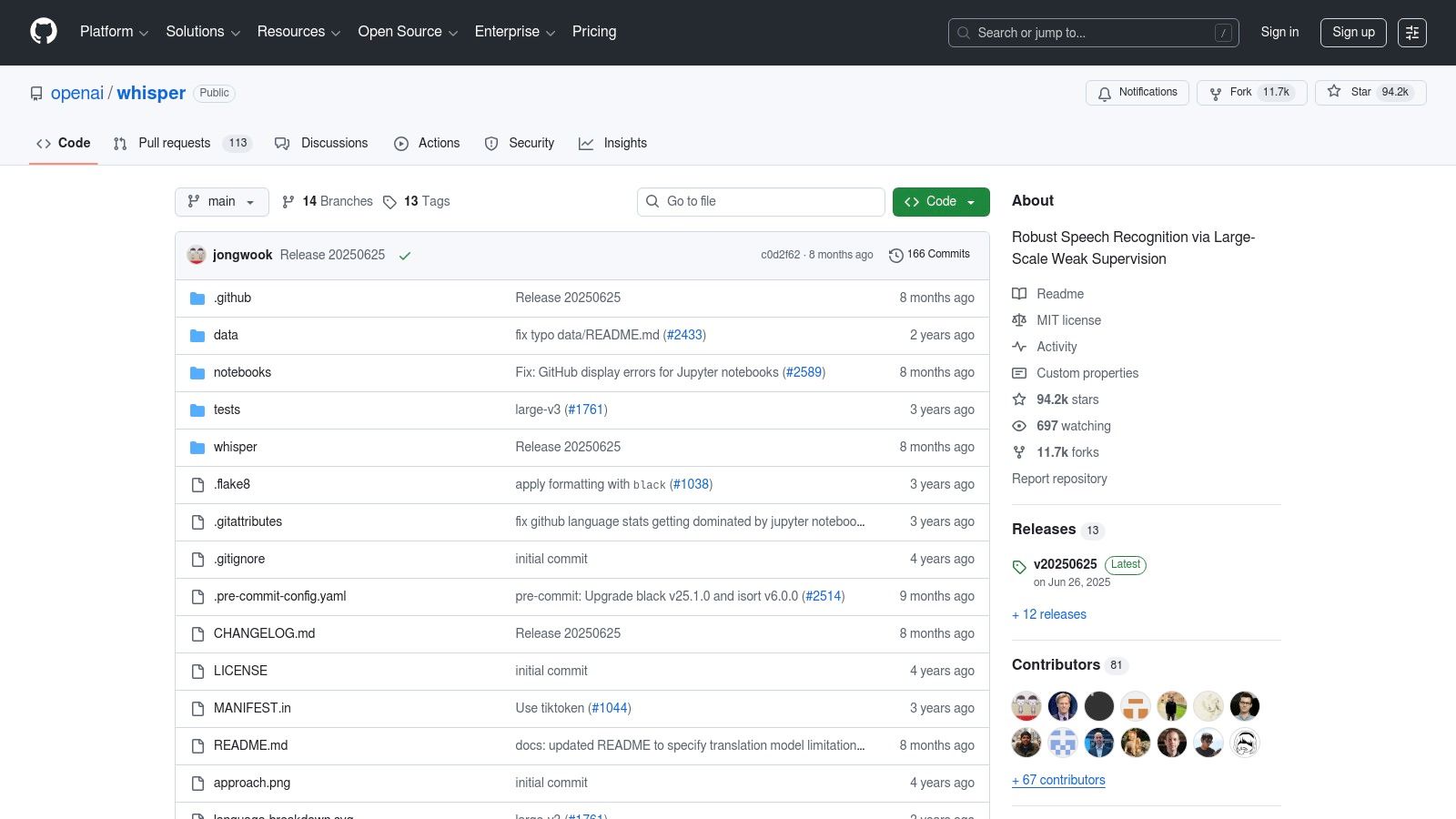
Because it runs locally, there are no file upload limits, per-minute fees, or privacy concerns associated with third-party servers. The model is known for its high accuracy, even on challenging audio, and supports numerous languages for both transcription and translation. The main trade-off is the lack of a user-friendly interface; it operates via a command-line or Python script.
Key Features and Limitations
Whisper is best for batch processing large audio files or integrating transcription into custom applications. Its performance depends heavily on your computer's hardware, running significantly faster on systems with a dedicated GPU.
What You Get with the Free Plan:
- Monthly Minutes: Unlimited, as it runs on your local machine.
- Privacy: 100% private, since your audio files never leave your computer.
- Offline Functionality: Works entirely without an internet connection once set up.
- Multilingual Support: Transcribes and translates dozens of languages.
Important Free Plan Restrictions:
- Requires technical setup using the command line or Python.
- Transcription speed is dependent on your computer's CPU or GPU power.
- There is no built-in graphical user interface (GUI), editor, or speaker identification.
While it demands a bit of initial effort, Whisper offers unparalleled freedom and power for users who are comfortable with a more technical approach.
Website:
7. Google Cloud Speech-to-Text
For those with some technical comfort, Google Cloud Speech-to-Text offers an enterprise-grade API that you can use to transcribe audio to text free up to a certain limit. This isn't a simple web interface; it's the powerful engine behind many commercial transcription services, giving you direct access to Google's advanced speech recognition models. It's an excellent option for developers or hobbyists building their own applications.
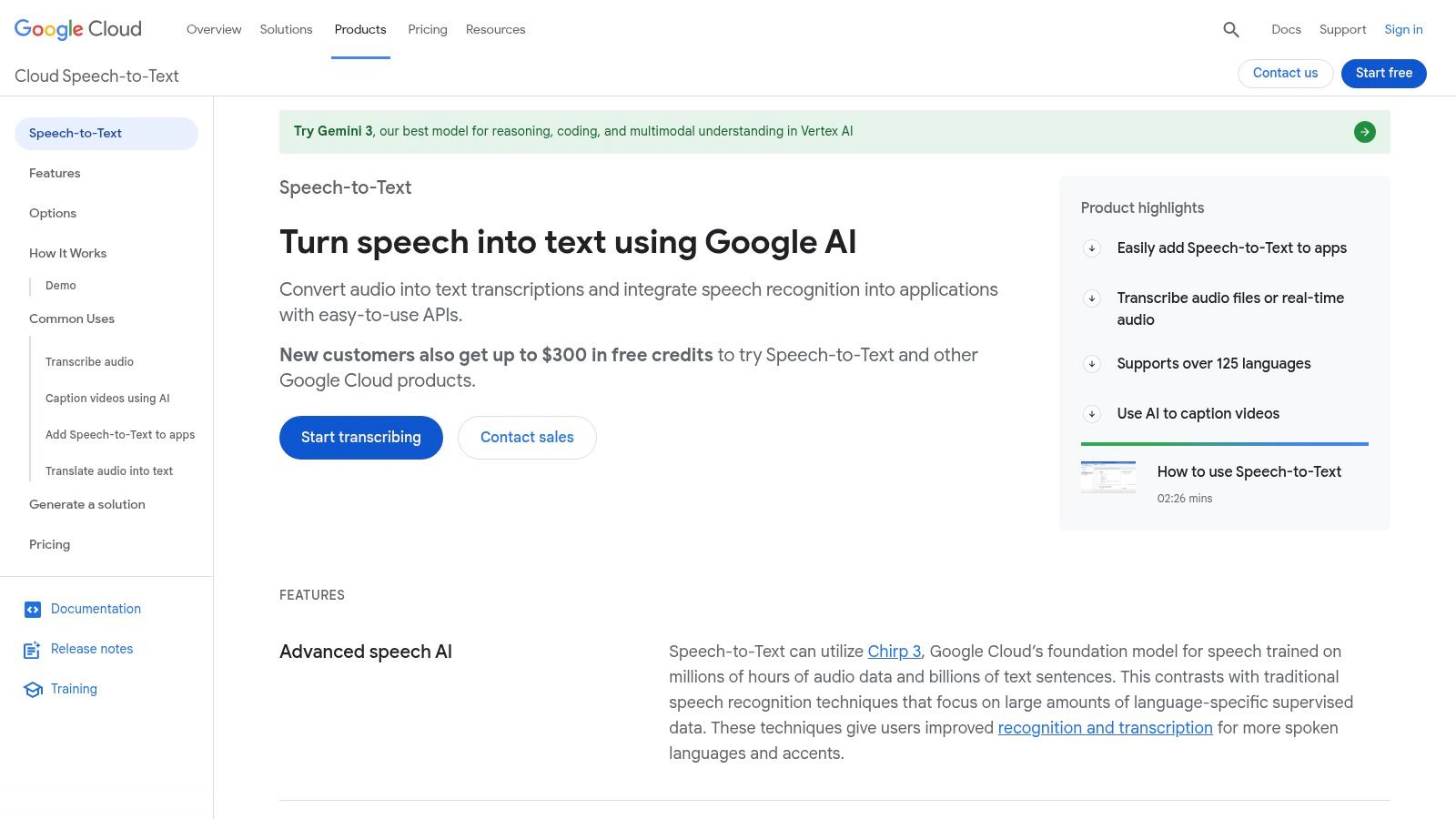
The platform provides exceptional accuracy and supports a vast number of languages and dialects, making it highly versatile. New users often benefit from a generous free credit (typically $300) to experiment with the API, in addition to a recurring free monthly quota. This makes it a powerful choice for short, high-priority transcription tasks.
Key Features and Limitations
Google Cloud is ideal for developers who need to integrate transcription into their own software or for users who need maximum accuracy for short files. However, accessing the free tier requires setting up a Google Cloud project and a billing account, which can be a barrier for non-technical users.
What You Get with the Free Plan:
- Monthly Minutes: Up to 60 minutes of standard audio processing per month.
- New Customer Credits: A $300 credit valid for 90 days for new accounts.
- Model Variety: Access to different models optimized for use cases like phone calls, video, and commands. You can see the available.
Important Free Plan Restrictions:
- Requires a Google Cloud account and a linked billing method (though you won't be charged within the free tier).
- The setup is more complex than a simple upload-and-transcribe website.
- Pricing can become complicated once you exceed the free minutes, as it varies by which recognition model you use.
While it demands a bit more setup, the quality and flexibility of Google's API are unmatched, making it a fantastic free resource for technical projects.
Website:
8. Microsoft Azure Speech to Text
For developers or users comfortable within a tech ecosystem, Microsoft Azure’s Speech to Text service offers a powerful and highly accurate way to transcribe audio to text free through its generous "F0" tier. This isn't a simple web uploader but a robust cloud service that provides access to Microsoft's advanced speech recognition models, the same technology powering products like Cortana and Microsoft Office.
While setting up an Azure account is more involved than signing up for a typical web app, the trade-off is access to enterprise-grade transcription quality. It excels at processing both pre-recorded batch files and real-time audio streams, making it versatile for building applications or running one-off transcription tasks that demand high accuracy.
Key Features and Limitations
Azure Speech to Text is ideal for pilot projects, small-scale application development, or occasional high-fidelity transcription needs. Its tight integration with other Azure services is a major benefit for those already in the Microsoft ecosystem. However, it's crucial to understand the free tier's structure.
What You Get with the Free Plan:
- Monthly Hours: 5 audio hours per month for standard Speech-to-Text models.
- Real-time & Batch: Supports both live streaming and batch file processing.
- Model Access: Utilizes Microsoft’s high-quality standard recognition models.
Important Free Plan Restrictions:
- Requires signing up for a Microsoft Azure account, which may involve providing credit card details for identity verification (you won't be charged if you stay within free limits).
- The setup is more technical than consumer-focused tools.
- Advanced features like custom speech models and speaker recognition may incur costs or have more restrictive free limits.
The ongoing monthly allowance makes it a sustainable option for developers and technically inclined users who need consistent, high-quality transcription without a recurring subscription fee.
Website:
9. Amazon Transcribe (AWS)
Amazon Transcribe is a powerful, enterprise-grade transcription service that is part of the Amazon Web Services (AWS) cloud platform. While geared toward developers and businesses, its AWS Free Tier offers a way for individuals to transcribe audio to text free for a limited time, leveraging one of the most advanced speech recognition engines available. It's ideal for those who need high accuracy and are comfortable with a more technical setup.
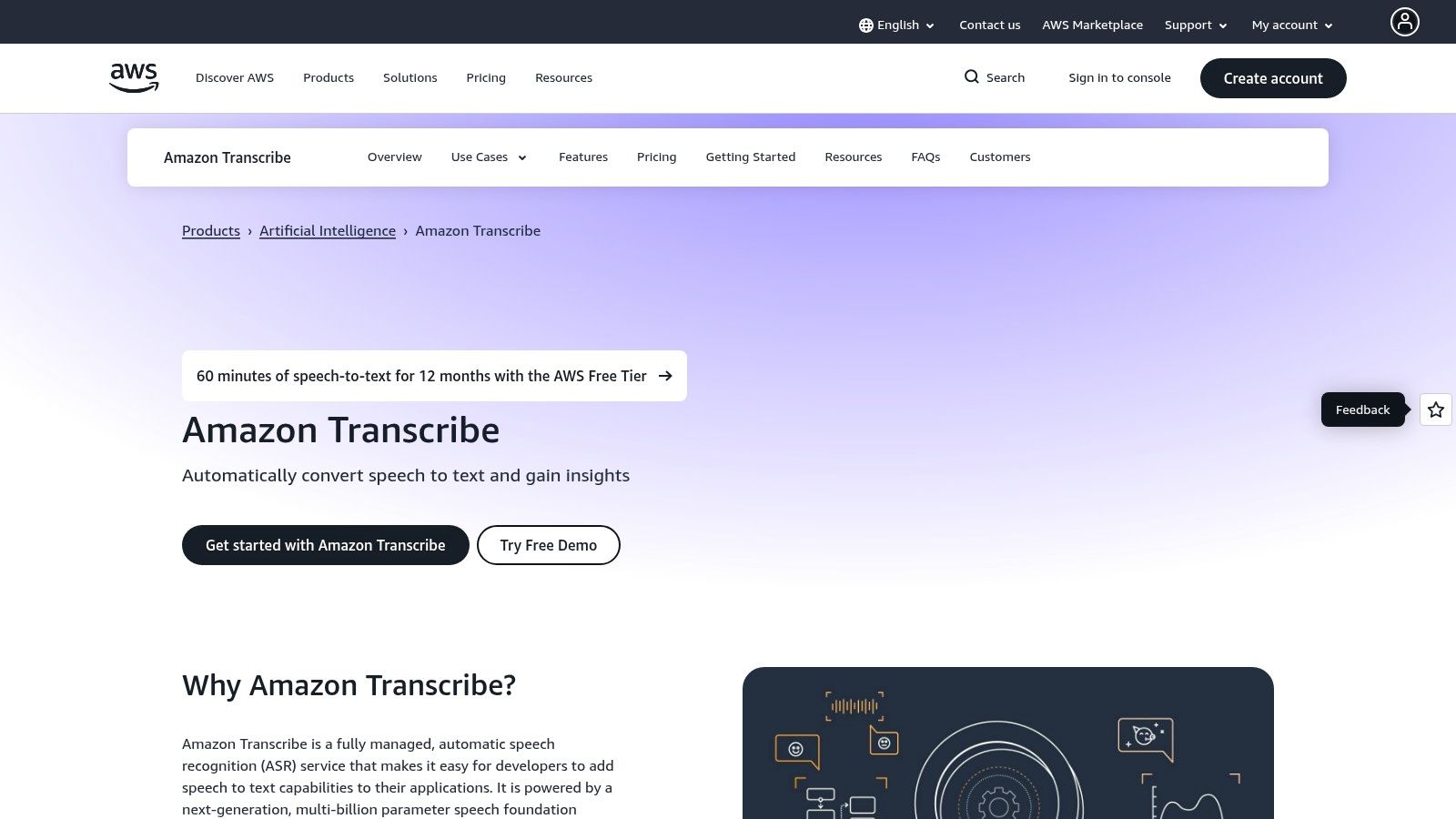
Unlike simple web tools, Amazon Transcribe is a service you integrate into a workflow, often using an AWS S3 bucket to store your audio files. The interface is the standard AWS Management Console, which can be complex for beginners but offers immense control. It provides features like speaker diarization, custom vocabularies, and even automatic content redaction.
Key Features and Limitations
Amazon Transcribe is best suited for technical users or those willing to learn the AWS ecosystem to get access to a professional-grade tool for free. Its primary value is in its accuracy and integration capabilities with other AWS services.
What You Get with the Free Tier:
- Monthly Minutes: 60 minutes of transcription per month.
- Duration: The free tier is only available for the first 12 months after signing up for an AWS account.
- Advanced Features: Access to both standard batch transcription and specialized models like medical transcription (Transcribe Medical).
Important Free Tier Restrictions:
- The free tier expires after 12 months, after which you move to a pay-as-you-go pricing model.
- Setting up the service requires creating an AWS account and navigating the AWS console, which has a steeper learning curve than other tools on this list.
- It's designed for workflows, not as a simple upload-and-edit application.
For those needing a short-term, high-quality solution and not afraid of a technical interface, the AWS Free Tier is an excellent, albeit temporary, option.
Website:
10. Deepgram
Deepgram is a powerful, developer-focused platform that offers one of the most generous free-tier starting points for high-volume users. While it's built for programmers to integrate into their applications, its simple API and clear documentation make it accessible for anyone with slight technical comfort who needs to transcribe audio to text free. It's not a ready-to-use application like Otter.ai, but rather an engine you can use to process large batches of audio files with impressive speed and accuracy.
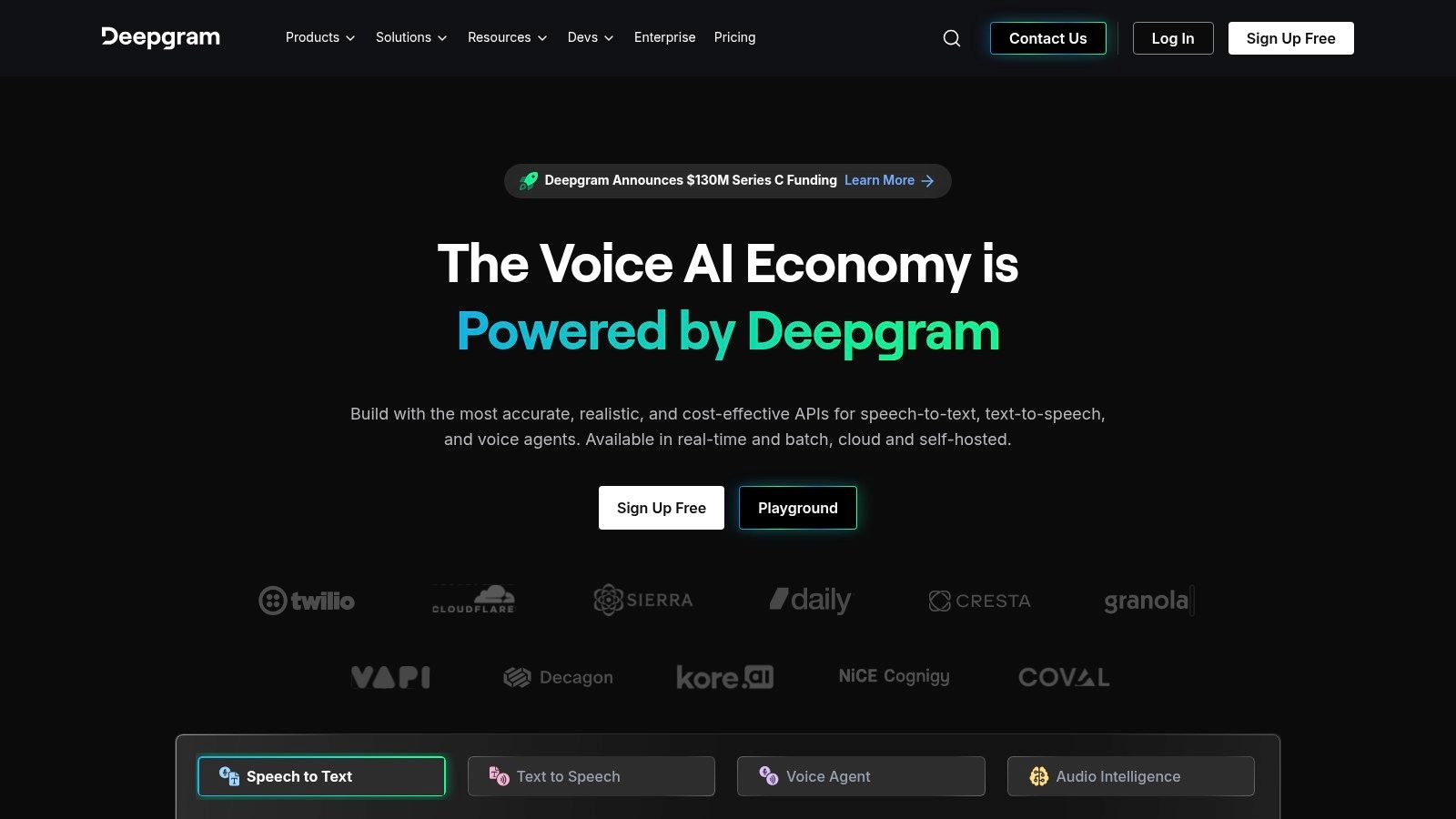
The standout offer is its substantial free credit for new users, which allows you to transcribe hours of audio without paying anything upfront. This is perfect for one-off large projects, like transcribing an entire podcast backlog or a series of research interviews. You can choose from various AI models, including a Whisper-compatible option, to find the best fit for your audio quality and content.
Key Features and Limitations
Deepgram is ideal for users with large transcription needs who are willing to interact with a simple API instead of a polished user interface. The initial credits provide immense value, but it's important to understand the model.
What You Get with the Free Plan:
- One-Time Credits: $200 in free credits upon signup (no credit card required at the time of writing).
- Model Selection: Access to multiple transcription models to balance speed and accuracy.
- High Volume: The credits can transcribe thousands of minutes, depending on the model chosen.
Important Free Plan Restrictions:
- The free credits are one-time; once they are exhausted, you must switch to a paid plan.
- It requires some technical setup via its API, so it is not a simple drag-and-drop web tool.
- The platform is built for developers, so the user experience is focused on code and API keys rather than a visual editor.
For those who need to process a significant amount of audio for free and have a one-time project, Deepgram’s introductory offer is one of the best available.
Website:
11. AssemblyAI
AssemblyAI is a powerful API platform geared more towards developers and businesses, but it offers a generous free trial that anyone can use to transcribe audio to text free. Rather than a recurring free plan, it provides new users with a substantial amount of free credits (often around $50 worth) to test its highly accurate asynchronous and real-time transcription services. This makes it an excellent one-time solution for large or critical projects.
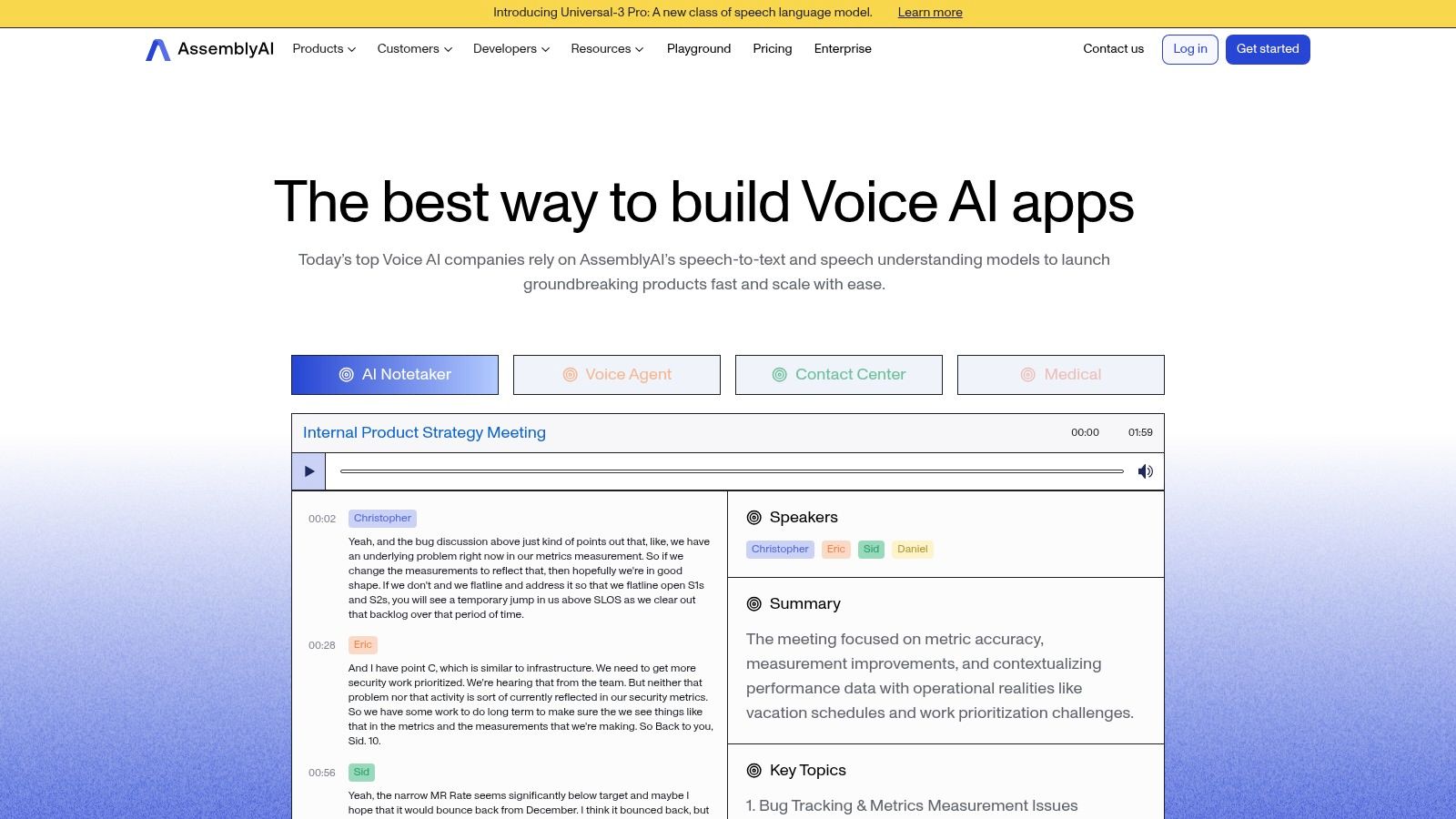
What sets AssemblyAI apart are its advanced audio intelligence features. Beyond simple transcription, you can use your free credits to experiment with automated summaries, topic detection, and sentiment analysis. The platform’s "Playground" offers a user-friendly way to upload a file and see these features in action without writing a single line of code.
Key Features and Limitations
AssemblyAI is perfect for users who need a high-quality, one-off transcription for a large project or want to explore advanced AI capabilities like summarization. However, its free access model is different from others on this list.
What You Get with the Free Trial:
- Free Credits: A significant one-time credit balance (e.g., ~$50) to use across all services.
- Full API Access: Transcribe audio files, get real-time transcriptions, and access AI models for summarization, sentiment analysis, and more.
- No Time Limits: Use your credits on files of any length until the balance is depleted.
Important Free Plan Restrictions:
- Free access is credit-based, not a recurring monthly allowance. Once you use the credits, you must move to a paid plan.
- Requires signing up for an account to receive and use the free credits.
- The primary interface is an API, though the web-based Playground makes it accessible to non-developers for simple uploads.
This credit-based trial is ideal for evaluating a powerful transcription engine or handling a single, large batch of audio without any upfront cost.
Website:
12. IBM Watson Speech to Text
IBM Watson Speech to Text is a powerful cloud-based service from a major enterprise provider. While geared towards developers and businesses, its "Lite" plan offers one of the most generous recurring monthly allowances, making it an excellent way to transcribe audio to text free for low-volume or testing purposes. The platform supports both real-time (streaming) and batch (uploaded files) transcription.
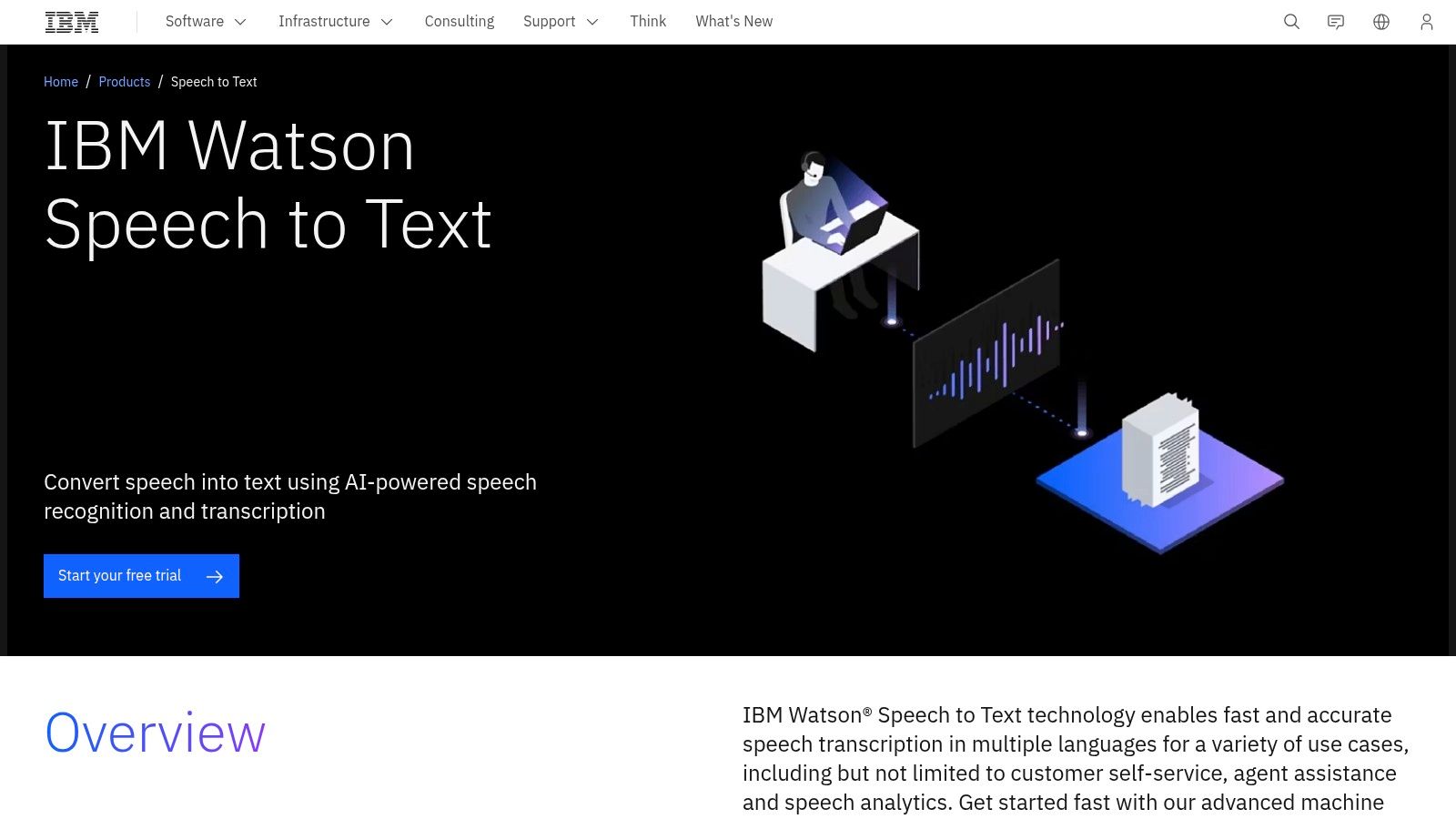
Unlike simple web tools, Watson is a developer-focused service, meaning you’ll need to set up an IBM Cloud account to use it. However, this grants you access to enterprise-grade accuracy, robust security, and advanced features like speaker diarization (labeling different speakers) and over 30 language models, even on the free tier.
Key Features and Limitations
IBM Watson is ideal for those who need high accuracy and don't mind a slightly more technical setup. The free plan is designed to let you explore the platform's capabilities without a financial commitment.
What You Get with the Free Plan:
- Monthly Minutes: A generous 500 transcription minutes per month.
- Language Models: Access to a wide range of language and acoustic models.
- Key Features: Speaker diarization and both batch and streaming transcription are included.
Important Free Plan Restrictions:
- It requires creating an IBM Cloud account, which can be more involved than a simple sign-up.
- The platform is less of a user-friendly app and more of an API service, so it lacks a polished interface for editing and sharing transcripts.
- Its ecosystem of third-party integrations is smaller compared to some other major cloud vendors.
For users comfortable with a basic technical setup, Watson's large free monthly minute count and high-quality transcription make it a standout choice for consistent, smaller-scale projects.
Website:
12 Free Audio-to-Text Tools Comparison
| Product | Core features | UX & accuracy | Pricing / Free tier | Target audience | Unique selling points |
|---|---|---|---|---|---|
| Kopia.ai | Fast AI STT for audio/video; word-level in‑browser editor; 80+ languages; one‑click translation; subtitles & burn captions | High speed; word-synced editor for precise edits; AI analysis (summaries, chapters, topics) | Free (1 hr, max 90min files); Starter $14.99/mo (20h); Pro $31.99/mo (100h); Business custom | Podcasters, creators, researchers, teams, students | Word‑level editor + "talk to your transcript" AI; one‑click 130+ language translation; subtitle workflows; proven scale (43M+ mins) |
| Otter.ai | Live recording, file uploads, speaker labeling, meeting integrations | Polished meeting editor; reliable accuracy for meetings; live captions | Perpetual Free Basic (300 min/mo; 30 min max per transcript); paid tiers for more | Students, educators, business meetings | Strong conferencing integrations (Zoom, Meet, Teams); well‑documented meeting workflows |
| Notta.ai | Live/file transcription, Chrome extension, speaker ID, AI summaries | Lightweight, easy web meeting capture; modest accuracy for casual use | Free indefinite but strict per‑conversation caps (e.g., small minute limits); paid tiers | Web meeting users, casual note takers | Chrome extension for web meetings; clear quota visibility |
| Descript | Auto-transcription + text-based multitrack audio/video editor; screen recording | Excellent creator UX: edit media by editing text; filler‑word removal; transcript-linked timeline | Free (~1 hr/mo); paid plans to remove watermarks and increase hours | Podcasters, video creators, editors | All‑in‑one editing + transcript workflow for producing/publishing media |
| YouTube Studio (Auto Captions) | Auto captions on uploads; inline caption editor; exportable transcripts | Variable accuracy (depends on audio); simple in‑studio editing | Free with YouTube account (for uploaded videos) | YouTube content creators | Zero‑cost captions for published videos; integrated publishing workflow |
| OpenAI Whisper (open‑source) | Multilingual models; CLI/py package; local/ offline inference; multiple model sizes | Strong longform accuracy; offline/private; setup and compute required | Free (open‑source; no per‑minute fees) | Developers, privacy‑sensitive users, researchers | Local processing for privacy; free and flexible model choices |
| Google Cloud Speech‑to‑Text | Sync/async/streaming API; multiple models; multilingual support | Enterprise‑grade accuracy & scalability; mature SDKs and SLAs | Free quota (~60 min/mo) + $300 new‑customer credits for trial | Enterprise developers, production apps | Scalable cloud API with strong Google Cloud integrations and SLAs |
| Microsoft Azure Speech to Text | Standard/custom models; streaming & batch; translation & speaker features | Good accuracy; tight Azure ecosystem UX; custom model support | Free F0 tier (5 hours/month) for testing; paid tiers for custom models | Microsoft‑centric enterprises, devs | Azure integration and custom model options for enterprise pipelines |
| Amazon Transcribe (AWS) | Batch/streaming; redaction, medical & call analytics; SDKs | Production-ready accuracy; deep AWS integration | AWS Free Tier: 60 min/month for first 12 months; pay thereafter | AWS users, enterprises, specialized verticals (medical, contact centers) | Specialized features (medical, redaction, call analytics) within AWS ecosystem |
| Deepgram | Real-time and batch endpoints; modern models; Whisper-compatible option | High concurrency and low-latency options; developer-focused accuracy tuning | $200 free credit for new accounts (one‑time); usage billed after | Developers, high-volume streaming apps | Generous initial credits; focus on real‑time performance and scale |
| AssemblyAI | API STT + audio intelligence (summaries, topics, sentiment) | Good accuracy; strong docs and SDKs; audio‑insight features | Free trial credits (~$50 equivalent) to experiment; then usage pricing | Developers needing higher‑level audio insights | Built‑in audio intelligence (summaries, topics, sentiment) alongside STT |
| IBM Watson Speech to Text | Streaming & batch; diarization; 30+ language models | Enterprise accuracy; compliance/security posture for regulated orgs | Lite plan with recurring free allowance (500 min/month) | Enterprises, regulated industries, IBM Cloud users | Large ongoing free monthly allocation; enterprise compliance and deployment options |
Choosing the Right Free Tool for Your Transcription Needs
Navigating the world of free audio transcription tools can feel overwhelming, but as we've explored, you have a wealth of powerful options at your fingertips. The key takeaway is that the "best" free tool is not a one-size-fits-all answer. Your ideal choice depends entirely on your specific project, technical comfort level, and priorities. The journey to transcribe audio to text free is about matching the right tool to the right task.
We've covered a spectrum of solutions, from the user-friendly interfaces of dedicated apps like Otter.ai and Notta.ai to the raw power of developer-focused APIs from Google, Microsoft, and Amazon. We also saw how creative platforms like YouTube can become surprisingly effective transcription engines. Each has its place, and understanding their unique strengths and limitations is the most critical step.
Your Quick Decision-Making Guide
To simplify your choice, let's recap the core decision points. Think about what matters most to you and find the tool that aligns with those needs.
- For Ultimate Simplicity and Quick Turnaround: If you need a transcript for a meeting, lecture, or interview right now with minimal setup, look to browser-based tools. Otter.ai and Notta.ai are excellent starting points, offering generous free tiers, speaker identification, and intuitive editors perfect for students, researchers, and small teams.
- For Video Creators Needing Captions: Your first stop should be YouTube Studio. It's already integrated into your workflow, costs nothing, and provides editable, time-stamped captions that are essential for accessibility and engagement. You can easily download the .srt file for use on other platforms.
- For High Accuracy and Technical Control: If you prioritize transcription quality above all else and are comfortable with a more technical setup, OpenAI's Whisper is a game-changer. Its open-source model delivers remarkable accuracy, especially with challenging audio. For enterprise-level projects, the free tiers from Google Cloud, AWS (Amazon Transcribe), and Microsoft Azure offer a gateway to industry-leading technology.
- For Creative Podcasting and Video Editing: If your goal is not just to transcribe but to edit your audio or video content using the text, Descript is in a class of its own. Its "edit-the-text, edit-the-media" approach is revolutionary for podcasters and content creators who want an all-in-one production tool.
Final Considerations Before You Start
Remember that "free" often comes with trade-offs. Be mindful of the limitations we discussed, such as monthly minute caps, file size restrictions, and privacy policies. For sensitive or confidential recordings, carefully review a service's data handling practices or opt for an open-source, self-hosted solution like Whisper.
Accuracy is another key variable. While modern AI has made incredible strides, no free tool is 100% perfect. Always budget time to review and edit your transcript. To get the best results, start with high-quality audio. A clear recording with minimal background noise will drastically improve the output of any tool you choose.
Ultimately, the power to transform spoken words into valuable, searchable, and accessible text is more accessible than ever. Whether you're a student trying to keep up with lectures, a creator making your content more inclusive, or a professional documenting important conversations, there is a free solution ready to help you. Don't be afraid to experiment with a few different options to find the one that seamlessly fits your workflow and helps you achieve your goals.