Use case: Video creators
Turn every video into publish-ready content.
Kopia helps creators transcribe videos, edit by timestamp, export captions, and repurpose every upload into platform-ready assets from one workflow.
102
Transcription languages
Up to 15 speakers
Speaker detection
SRT and VTT
Caption exports
Included in all plans
API access
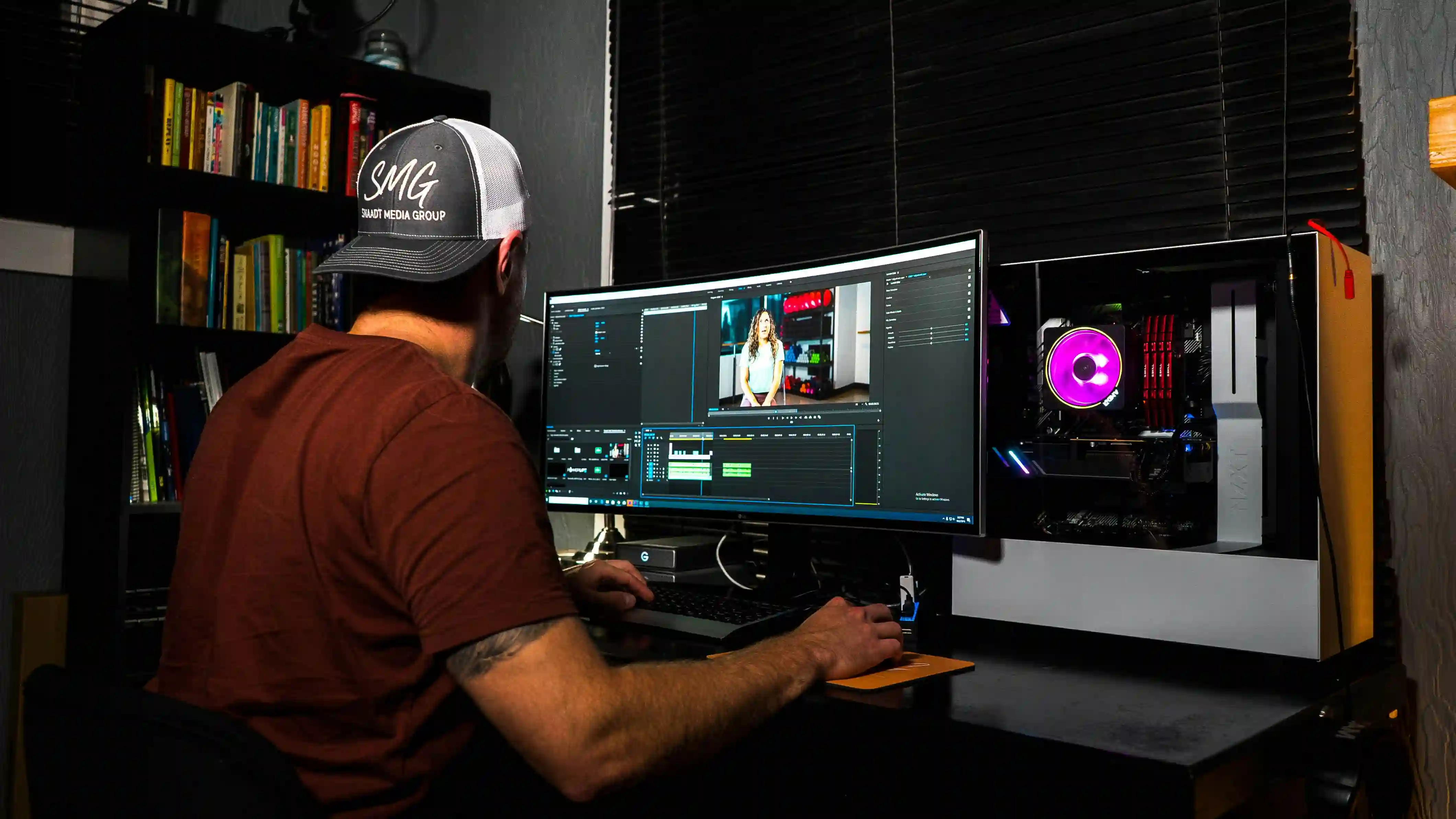
Creator pipeline
Workflow
From upload to publish-ready in four steps
Upload your video
Drop in MP4, MOV, MP3, M4A, or WAV files and choose the spoken language for your draft.
Get a clean transcript
Kopia transcribes your recording and separates speakers so interviews and collaborations stay clear.
Edit with precision
Click any word to jump to that exact timestamp, verify context, and fix quickly.
Publish everywhere
Export captions and repurposed text assets for YouTube, TikTok, Instagram, and your site.
Built for creator workflows
Everything you need, nothing you don't
Kopia combines transcription, editing, and repurposing in one workflow so you can skip the tool sprawl.
- Long-form video support without file splitting
- Speaker detection for up to 15 voices
- SRT and VTT caption exports for all platforms
- 102-language transcription and translation
- AI chat for descriptions, hooks, and drafts
- Low-confidence word highlighting
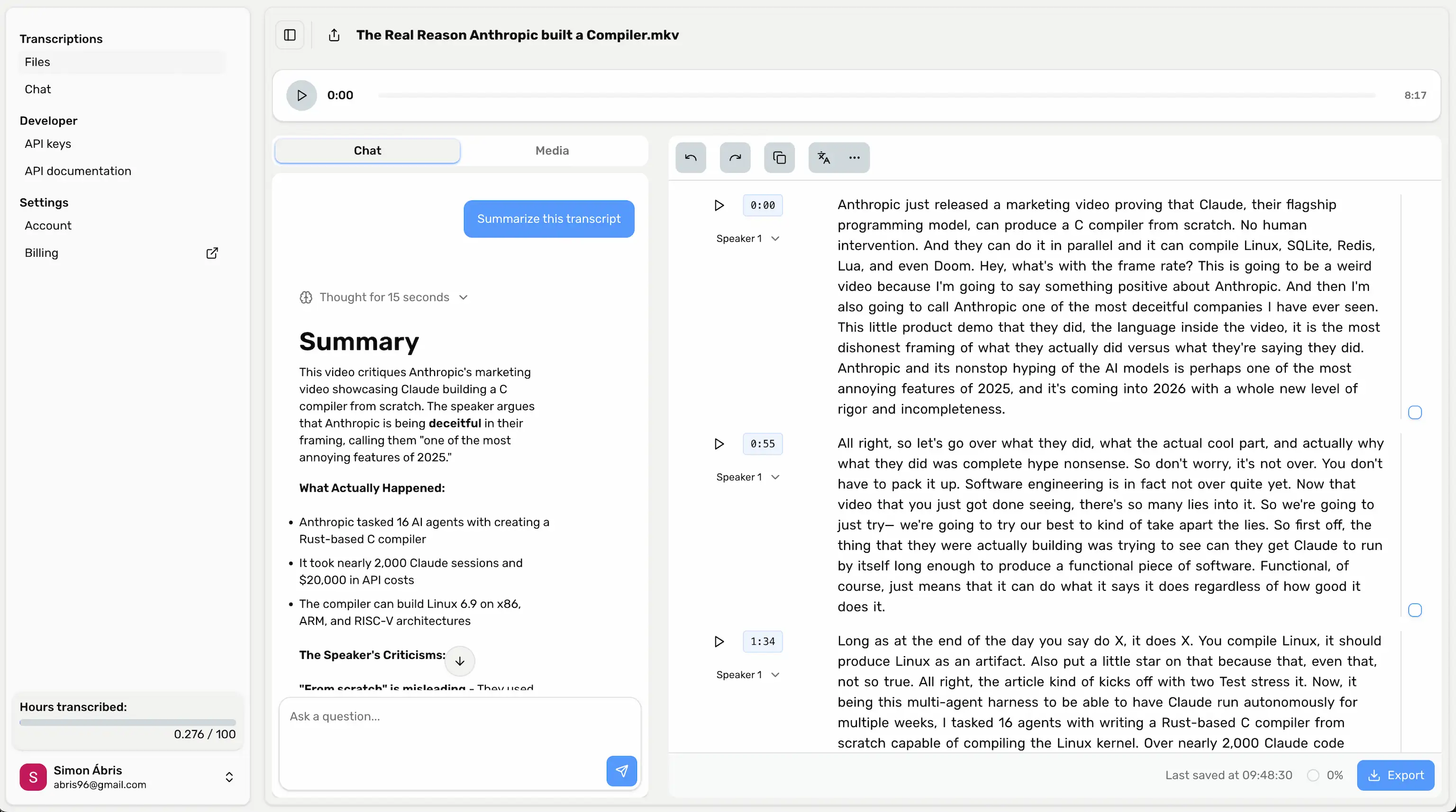
One video, many publishable assets
Start with a single upload. Kopia helps you produce multiple text and caption outputs without repeating manual work.
Repurposing example
From one 30-minute upload
Use transcript chat as your first draft engine, then refine for your platform and audience style.
Assets generated
3 short-video hooks, 1 video description draft, 1 sponsor-ready summary, and caption files for distribution.
Key moments
00:01:45 opening hook, 00:12:18 lesson breakdown, 00:25:32 call to action.
Capability
Kopia
Generic tools
Video creator workflow
Word-synced browser editor
Speaker detection (up to 15)
SRT/VTT + doc exports
Repurposing from transcript chat
API for automation
Video creator transcription FAQ
Common questions from creators switching from manual workflows or auto-caption tools.
Upload your next video and leave with captions, copy, and assets ready to publish.
Start with one file, validate your process, then scale across your full content calendar.